Workflows
The repeating work of the business, running on its own, with the human steps waiting where they should.
Month-end close, collections chasing, onboarding, renewal review. Each is a sequence of steps, some automatic, some requiring a person.
A workflow shows where it is, who it is waiting on, and how long it has waited. A step waiting four days on somebody is visible rather than silently stalled.
Where everything sits


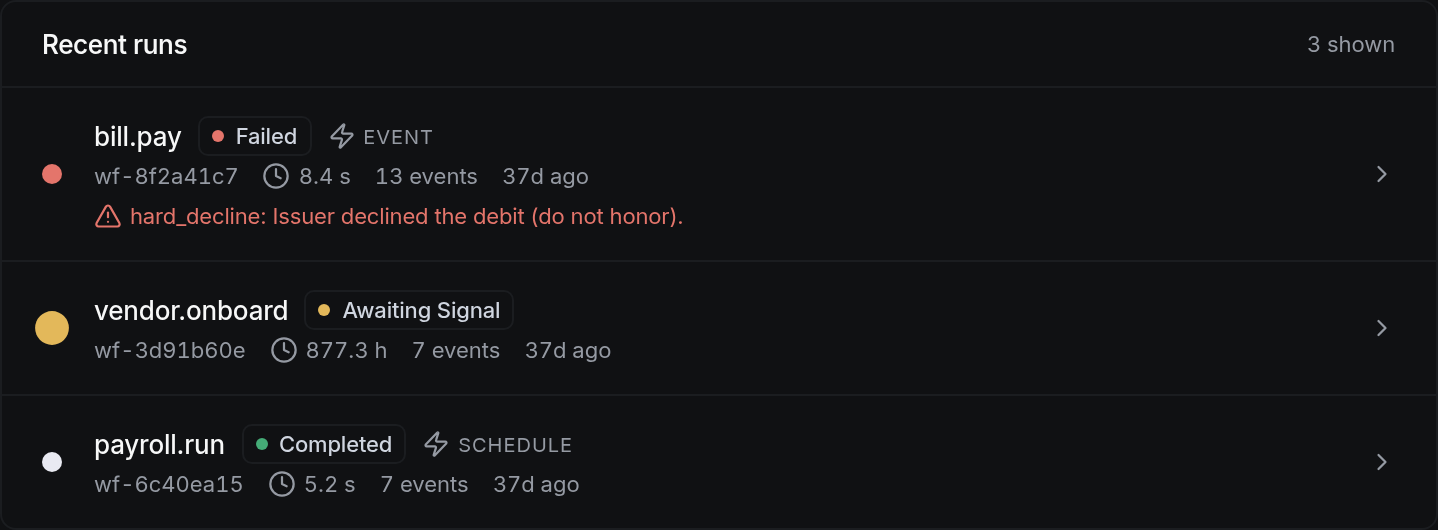
How to work this page
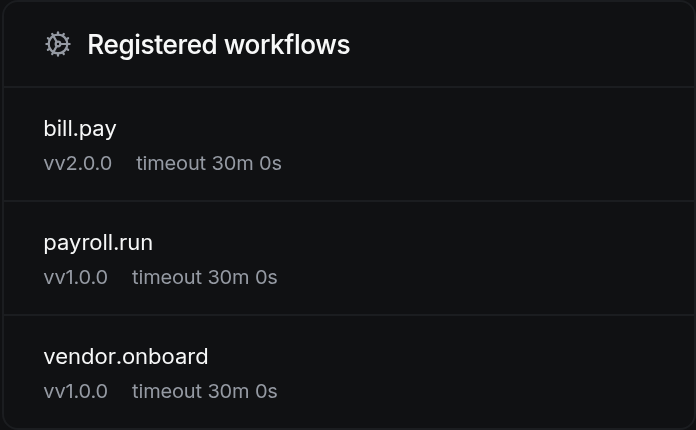
Close, collections, vendor onboarding and employee onboarding come defined. Editing a template is faster than building from nothing.
Anything with judgement or authority in it. Everything else runs unattended.
Running, waiting on a person, and failed are distinguished. A failed step names what failed rather than just stopping.
Every past run with its duration and who did what. It is how you find the step that always takes three days.
On a phone
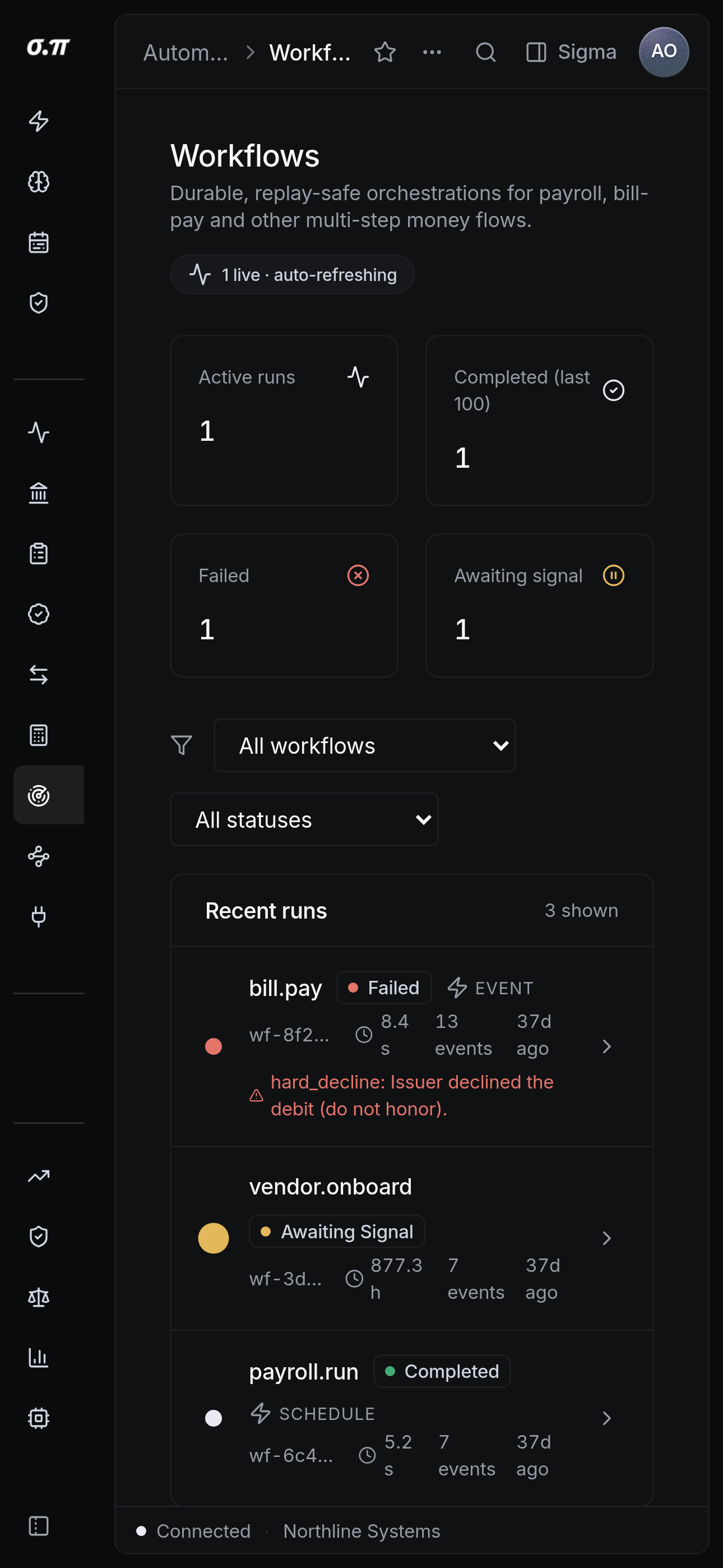
Every figure from the desktop appears here, stacked rather than reduced. Tables scroll inside themselves so the page never moves sideways, and figures keep their separators and their alignment at every width.
Questions people actually ask
The workflow holds, the failure is reported with its cause, and nothing downstream runs on bad output.
It can start one and complete automatic steps. Human steps still require the human, and anything moving money still requires approval.