Workbooks
Spreadsheets and statements read by meaning, reviewed, then committed to the books.
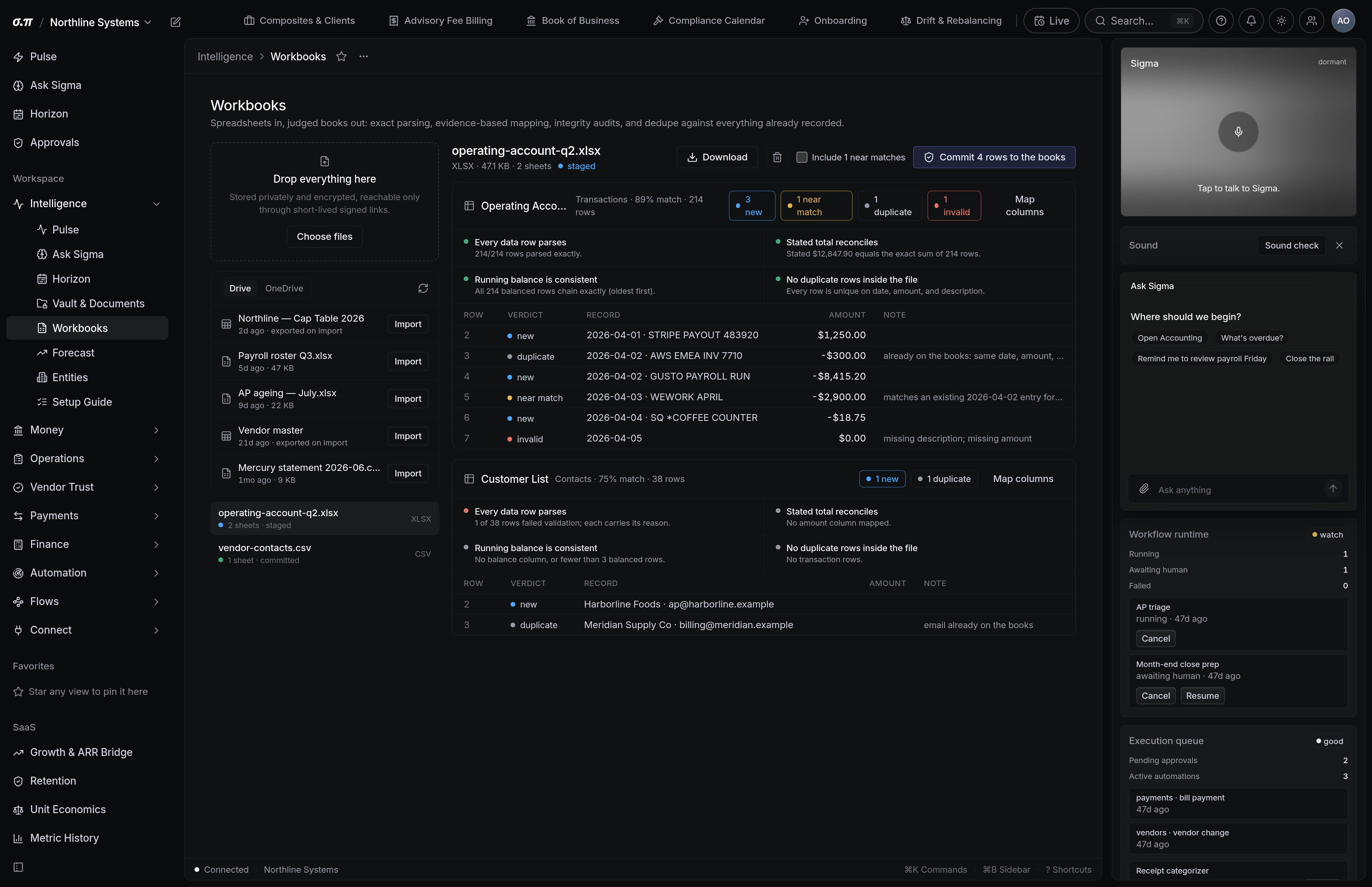
Every business has history in a spreadsheet. Workbooks reads one, works out what each column means rather than requiring a fixed template, and stages the rows for review before anything posts.
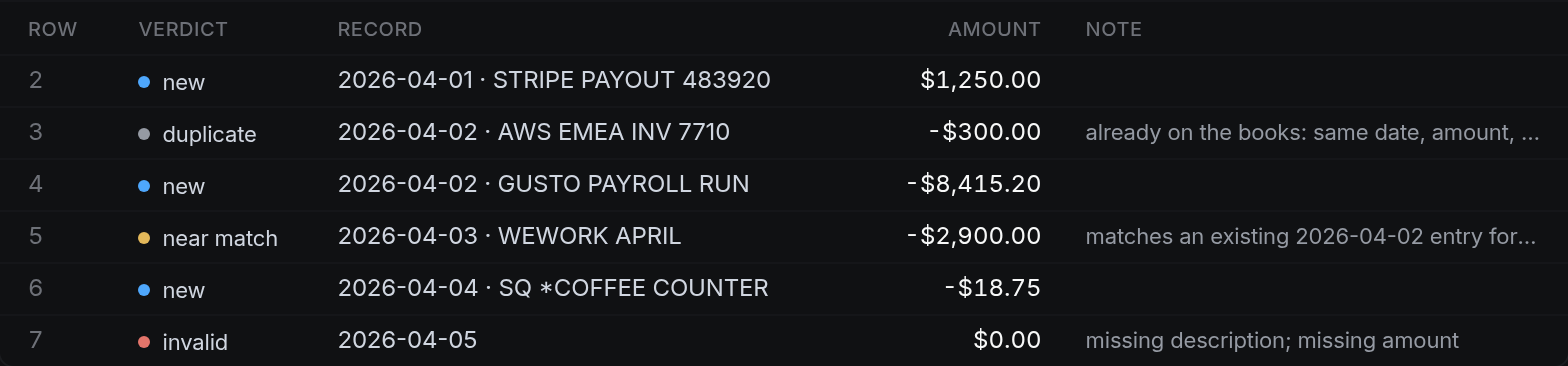
Nothing commits without review. A staged workbook shows exactly what would post, and rows that could not be resolved are held rather than guessed.
Where everything sits



How to work this page
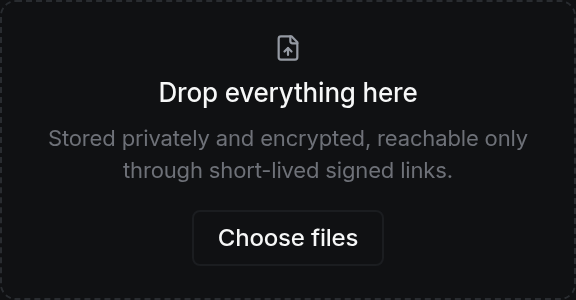
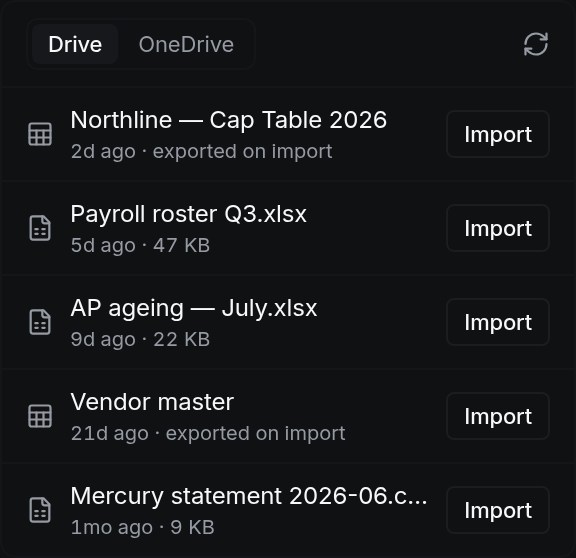
Any spreadsheet or exported statement. Multiple sheets are handled and each is treated separately.
Columns are resolved by what the values look like rather than by header text, so a date column labelled anything is still a date column. Every mapping is shown and changeable.
Anything ambiguous is flagged with the reason. Duplicates against existing records are detected and shown beside the original.
Committing posts the rows and locks the workbook to that commit, so the same file cannot be posted twice.
On a phone
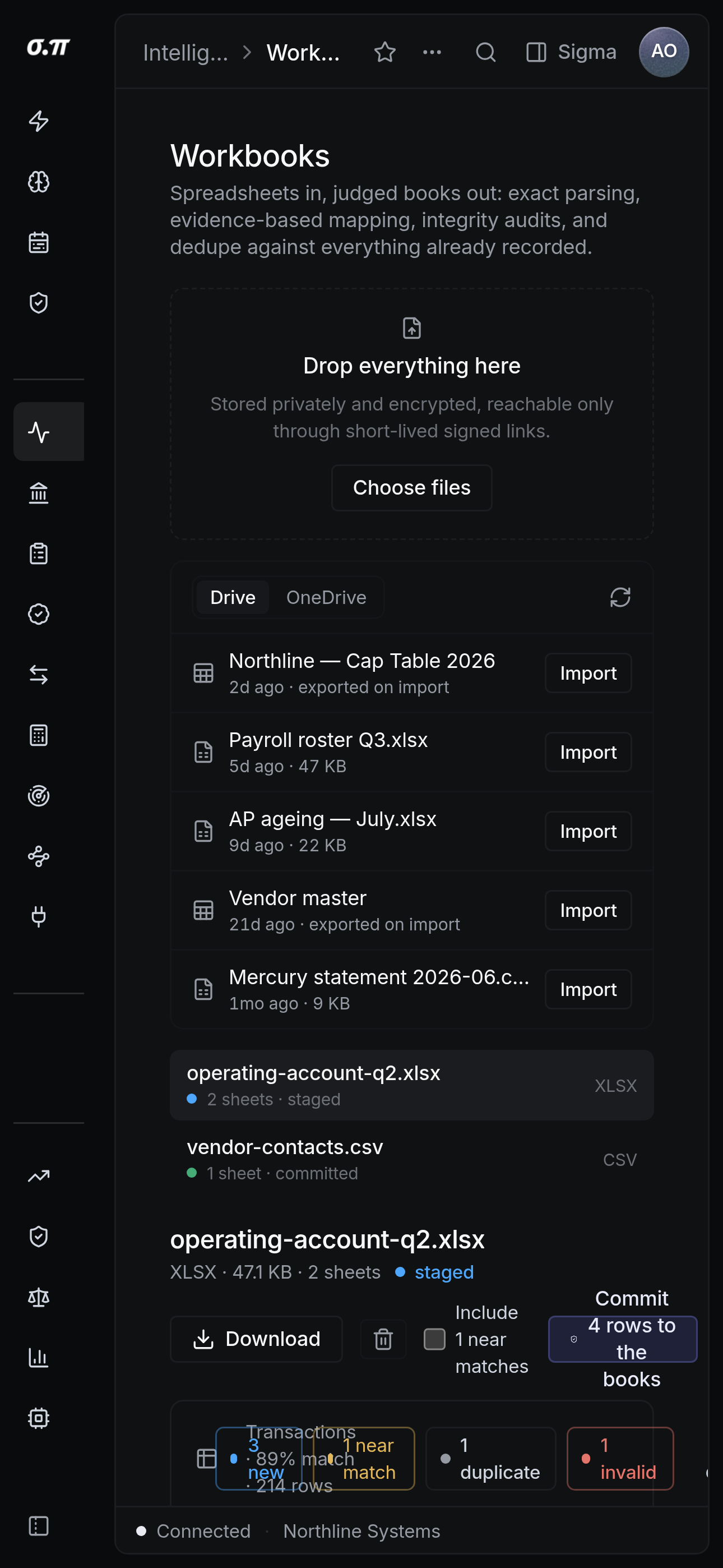
Every figure from the desktop appears here, stacked rather than reduced. Tables scroll inside themselves so the page never moves sideways, and figures keep their separators and their alignment at every width.
Questions people actually ask
Common. Header position is detected rather than assumed to be row one, and rows that are not data are excluded and listed so you can see what was skipped.
The posted entries can be reversed as a set, which leaves both the original and the reversal in the ledger. Nothing is deleted.