Trade settings
The choices specific to your line of work, which shape the pages you get.
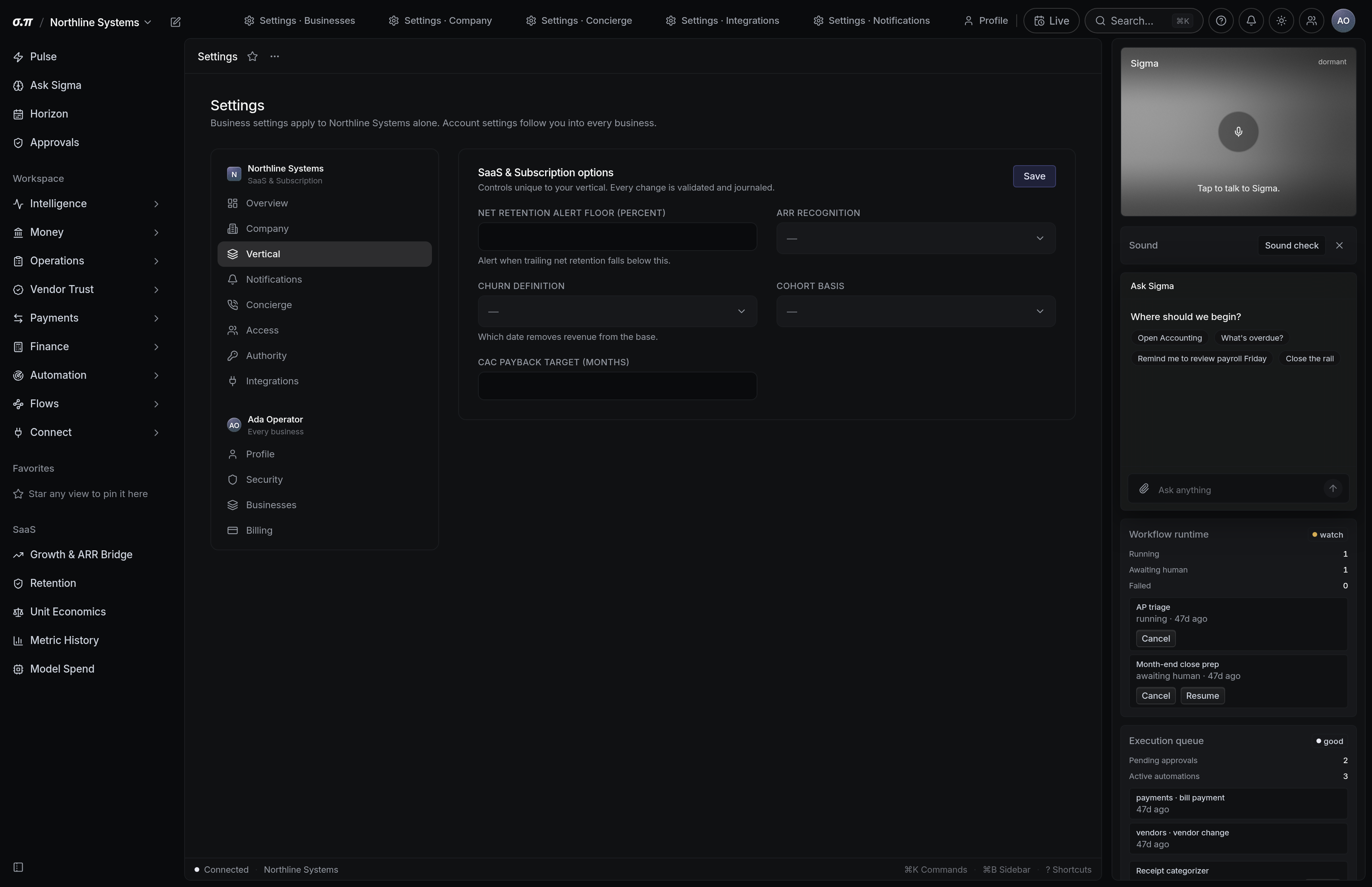
Your trade determines which engines run underneath and which pages appear. A subscription business gets retention and unit economics. A nonprofit gets fund accounting and grants.
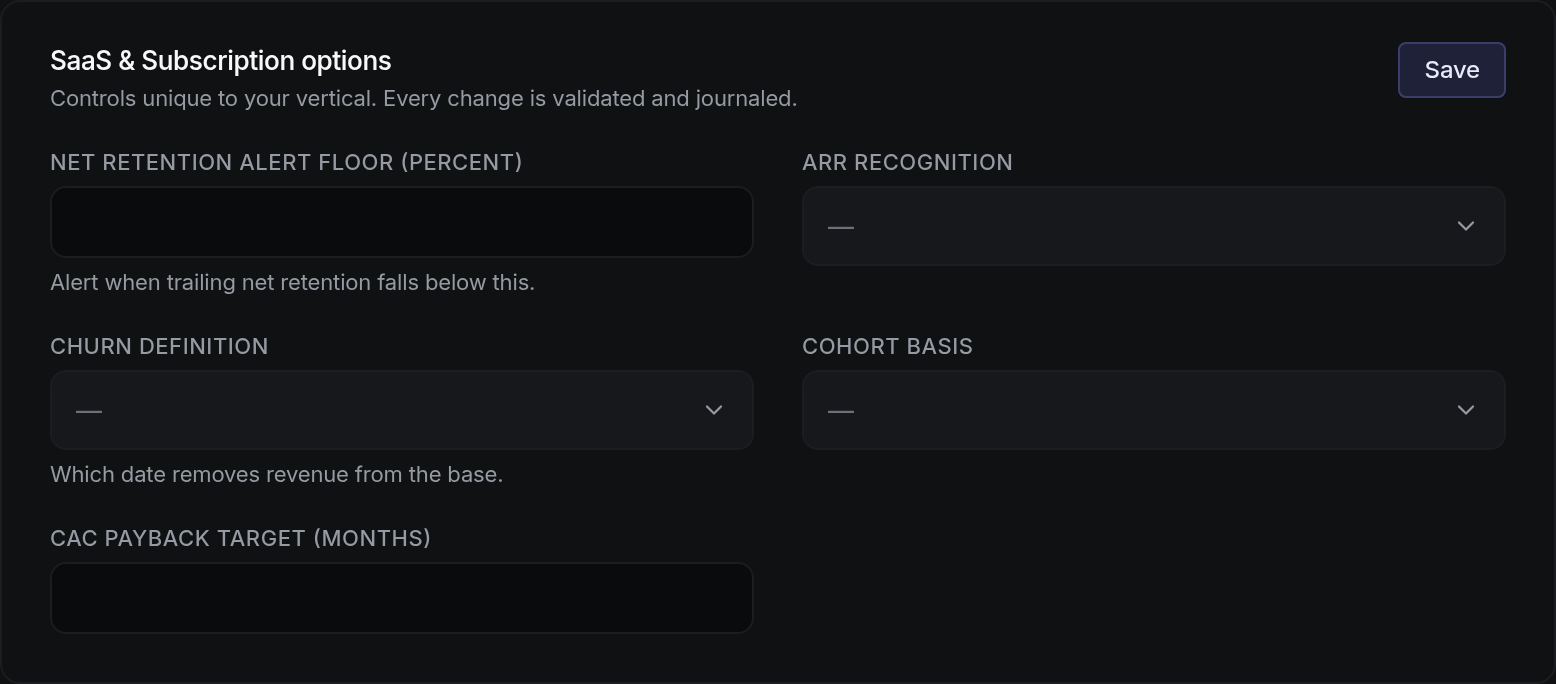
These settings tune that: the periods you measure on, the categories that matter in your trade, and the thresholds your industry uses.
Where everything sits
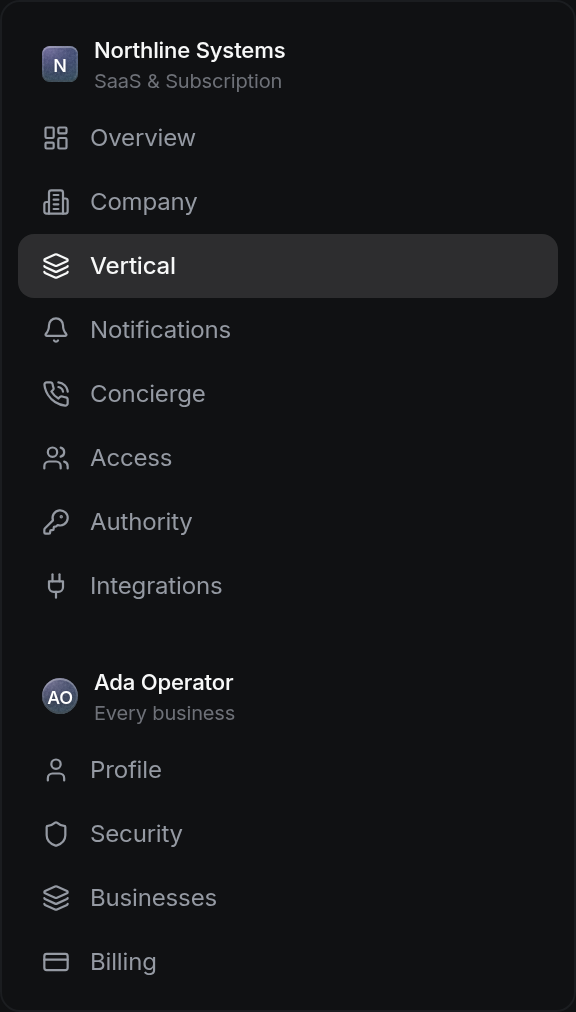



How to work this page
It drives navigation, engines and obligations. A business set up as the wrong trade gets pages that do not apply and misses ones that do.
Weekly matters in some trades and misleads in others. The default follows your trade and can be changed.
Every trade has numbers with conventional ranges. Yours may differ and the settings should reflect your business rather than an average.
A business that adds a line of work may need a second trade profile or a second business entirely.
On a phone
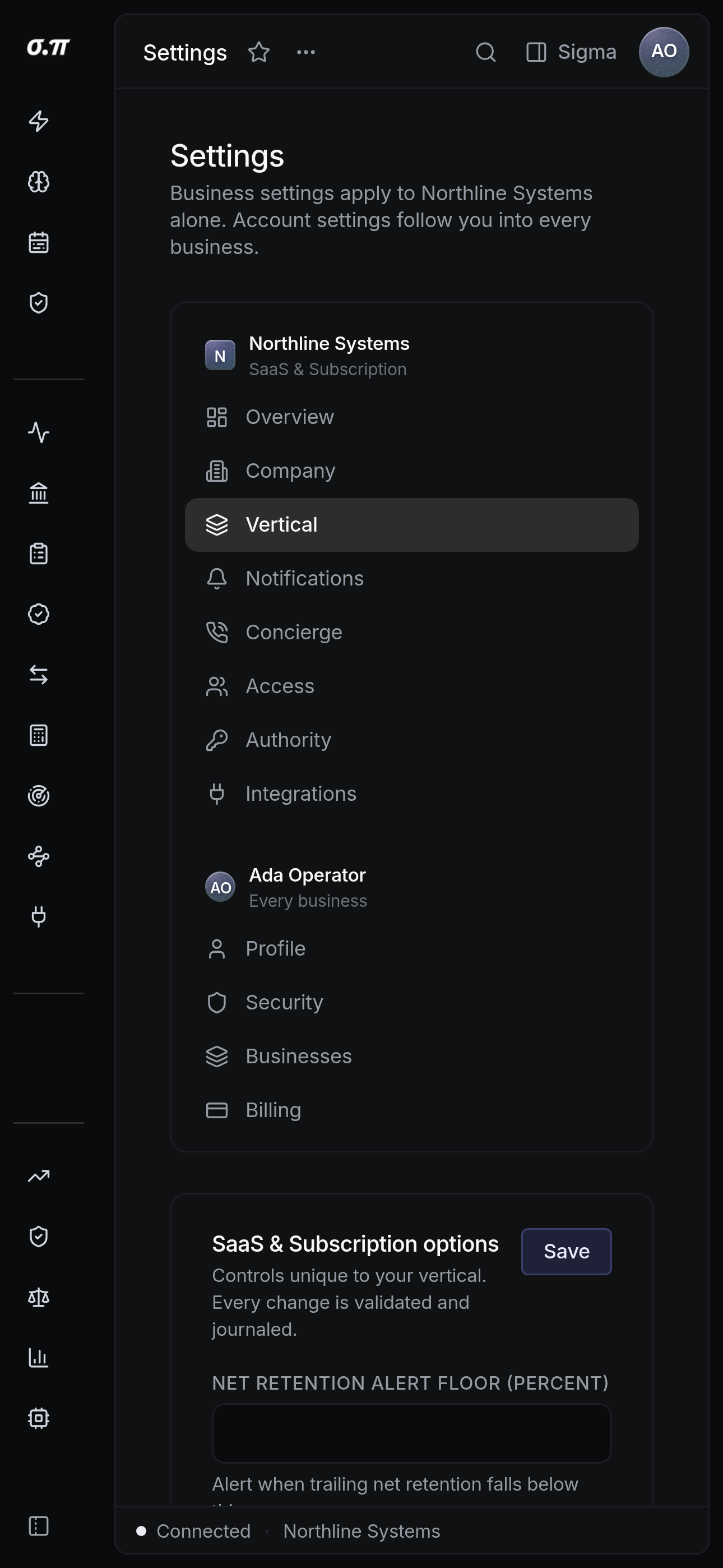
Every figure from the desktop appears here, stacked rather than reduced. Tables scroll inside themselves so the page never moves sideways, and figures keep their separators and their alignment at every width.
Questions people actually ask
One primary, which drives navigation. Genuinely separate lines of work are usually better as separate businesses.
Nothing is lost. Different engines run and different pages appear, and the underlying ledger is unchanged.