Filings
The returns themselves, with the figures placed on the actual forms.
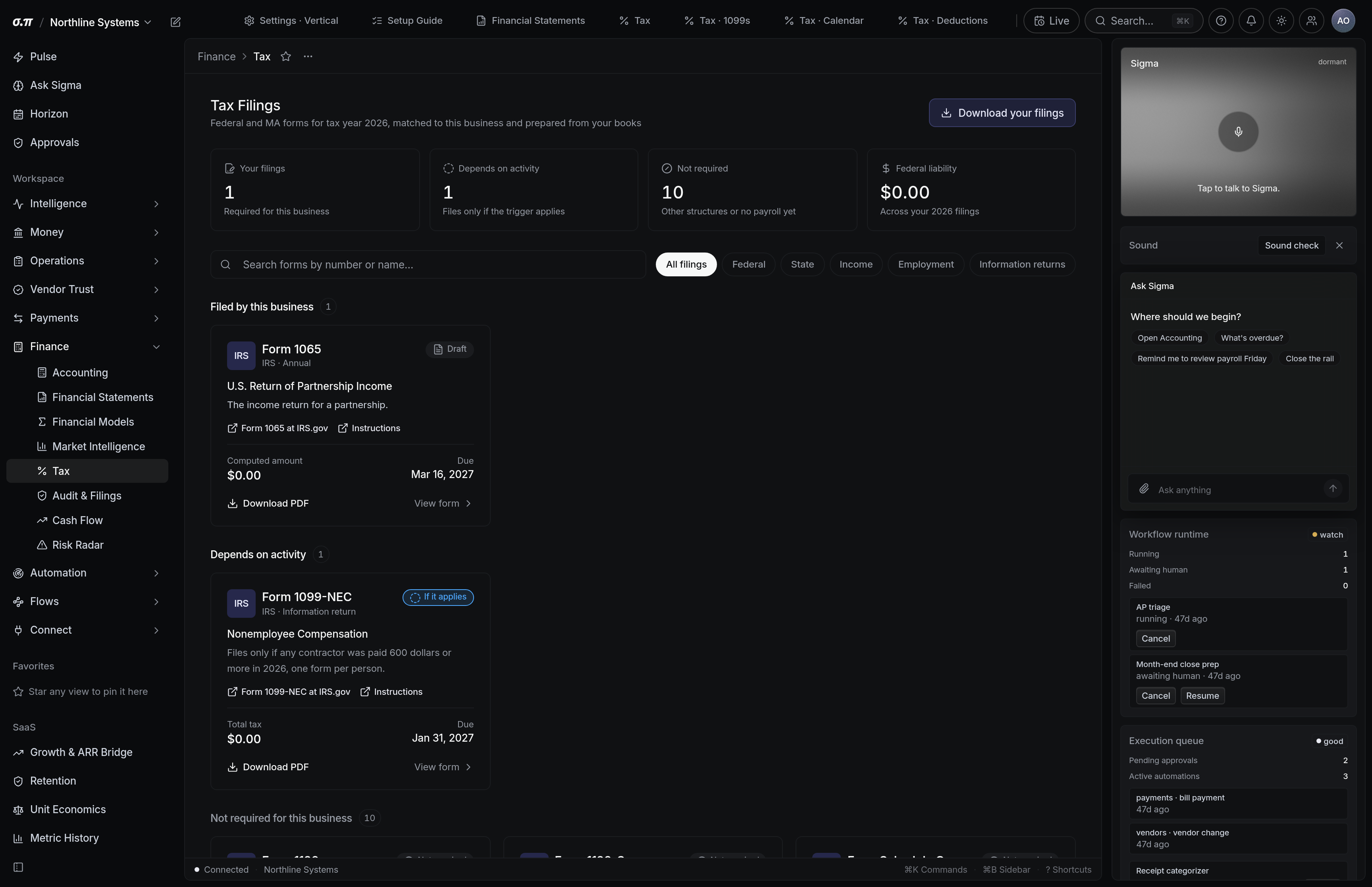
Each filing shows the form, the period, the figures and where each one came from. The numbers are sourced from the ledger rather than typed, so a figure can be traced back to its entries.
Forms render as documents with the right layout and the right box numbers, not as a table you have to transcribe.
Where everything sits






How to work this page
Every box traces to the accounts behind it. A box that looks wrong is one click from why.
Where an assumption is needed, it is surfaced as a conflict with the options rather than silently chosen.
It renders complete, in the official layout, ready to file or to hand to whoever files.
Filed date and confirmation number against the obligation. That is the record that closes it.
On a phone
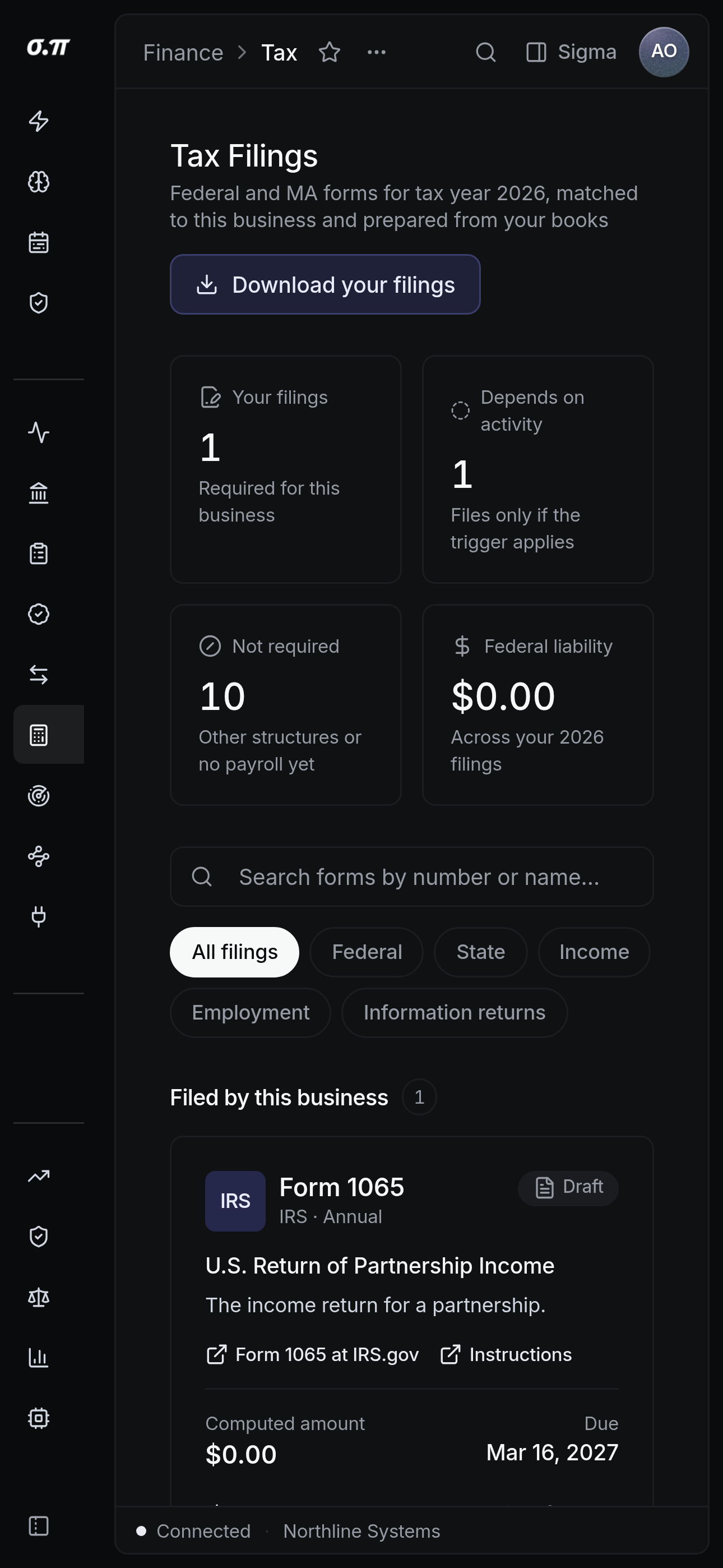
Every figure from the desktop appears here, stacked rather than reduced. Tables scroll inside themselves so the page never moves sideways, and figures keep their separators and their alignment at every width.
Questions people actually ask
No. It prepares the return completely and filing is done by you or your accountant through the appropriate channel.
Trace it to the entries and the disagreement usually resolves into a classification question, which is worth having explicitly.