Notification settings
What reaches you, through which channel, per business.
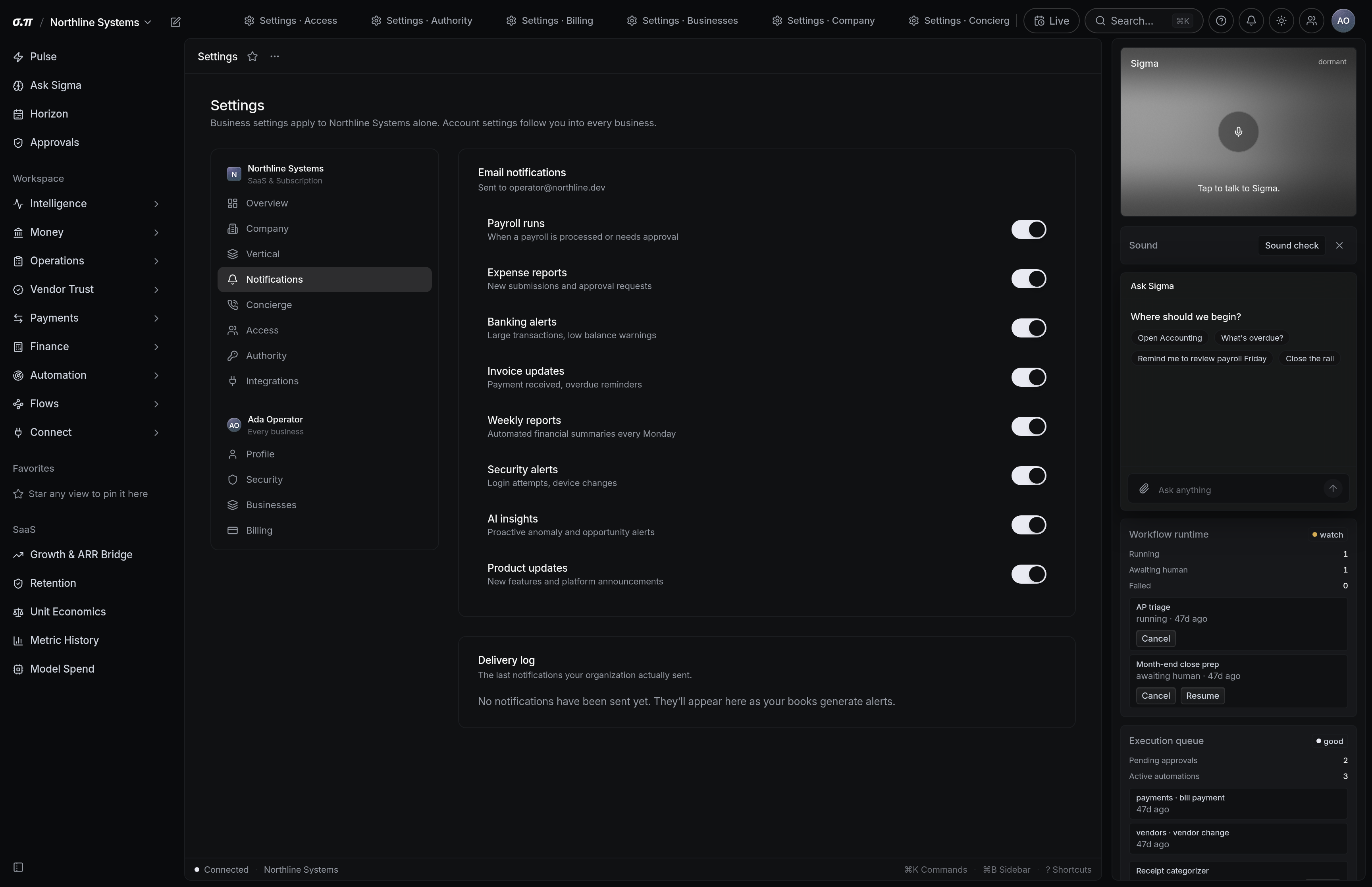
Alerts are only useful if they are rare enough to be read. These settings exist so you can make them rare.
Per business and per category, with the channel chosen by severity.
Where everything sits
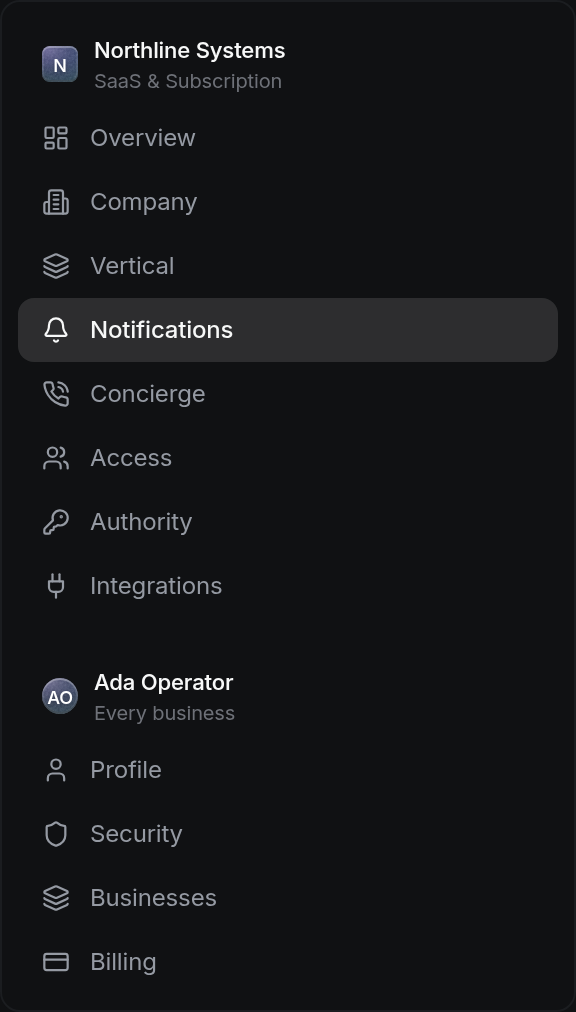
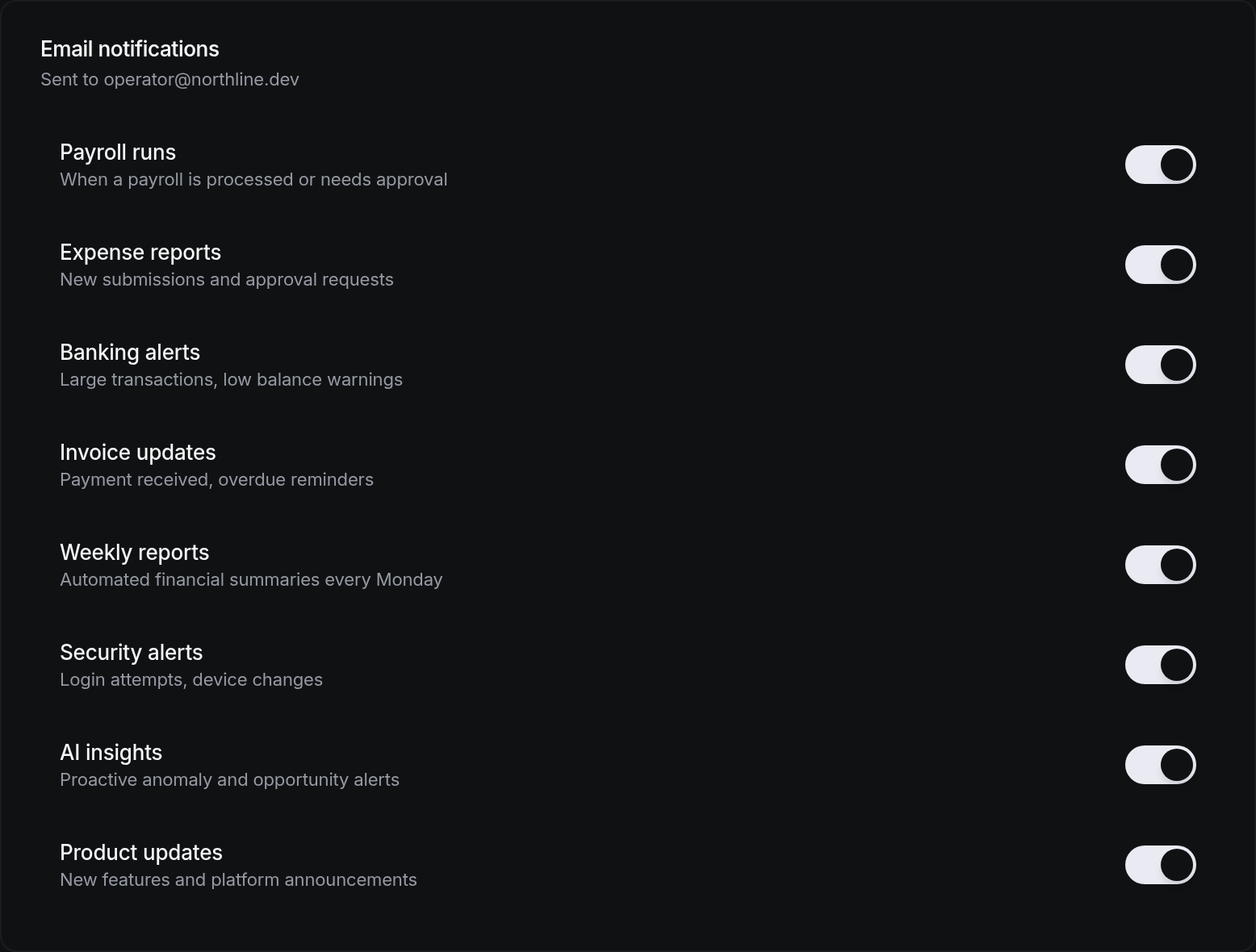




How to work this page
An alert you never act on is training you to ignore the ones that matter.
In-app for routine, email for things that should find you away from the product, push for what cannot wait.
A balance floor that triggers weekly is not a floor.
The business you run day to day and the one you check monthly deserve different settings.
On a phone
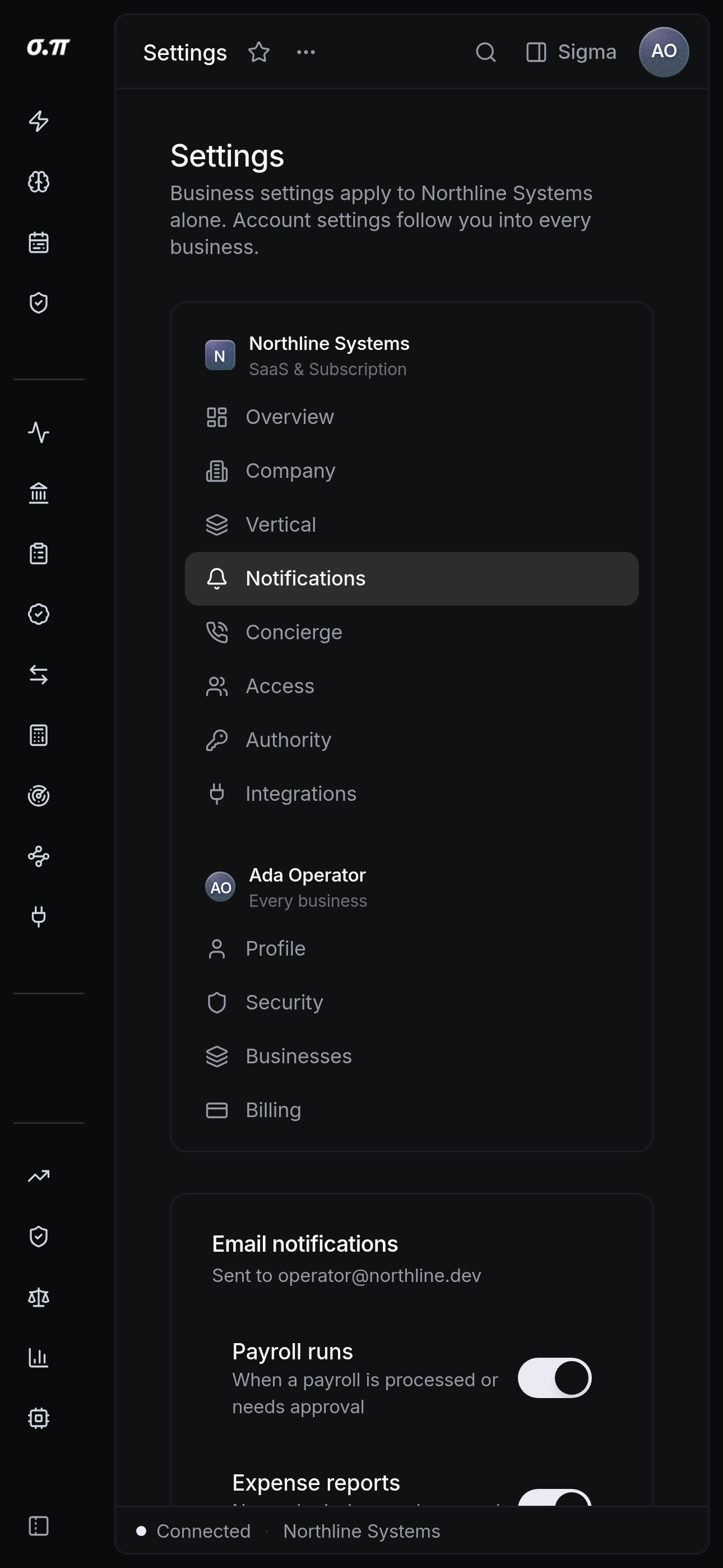
Every figure from the desktop appears here, stacked rather than reduced. Tables scroll inside themselves so the page never moves sideways, and figures keep their separators and their alignment at every width.
Questions people actually ask
Usually two thresholds covering the same condition. The history shows which rule fired.
Yes. Settings are per person, so payroll alerts can go only to whoever runs payroll.