Integration settings
What each connection reads, how often, and when it was last healthy.
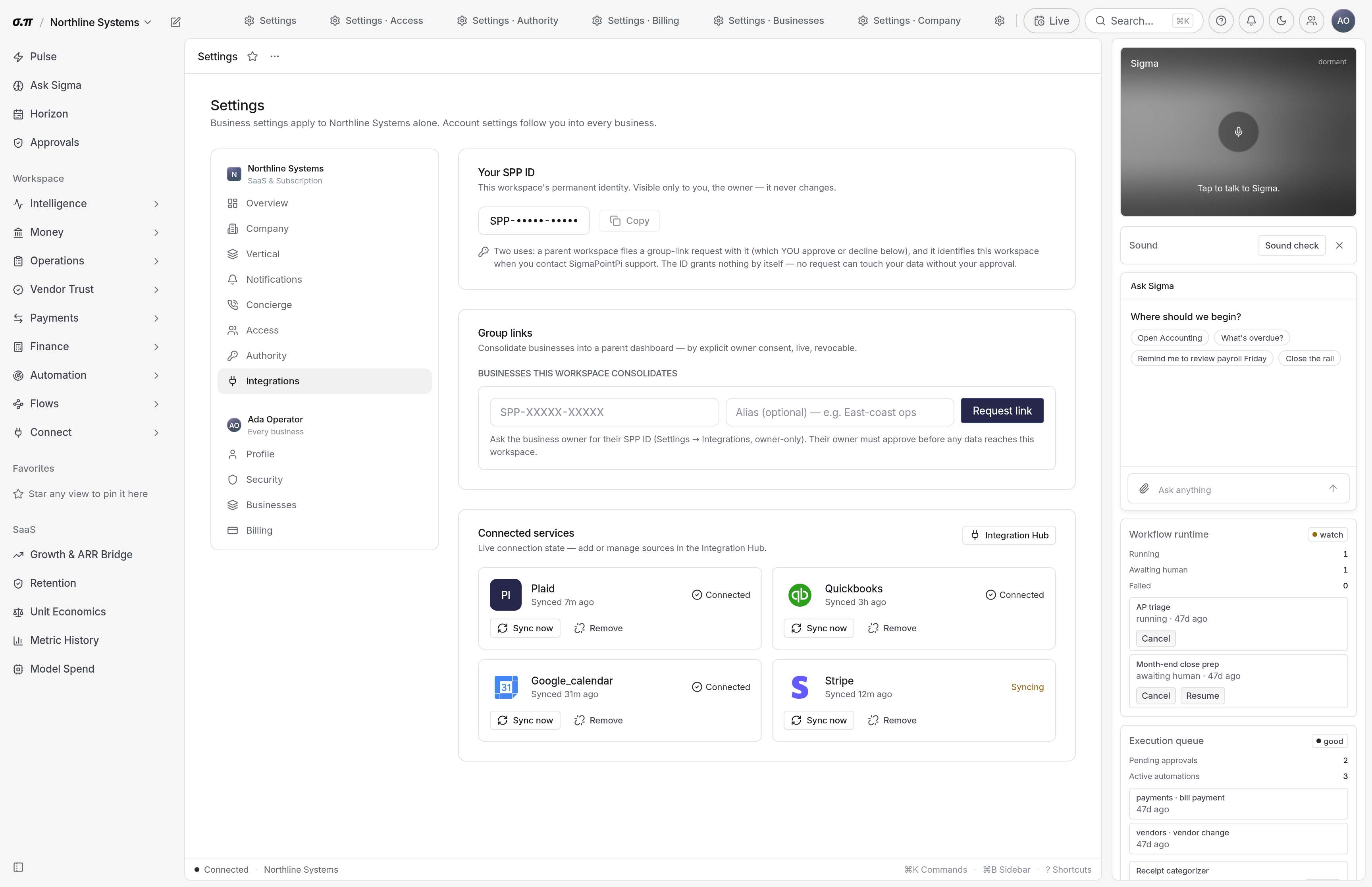
Every connection lists exactly what it pulls. Nothing is read that is not listed, and the sync cadence is visible per connection.
A connection needing re-authorisation says so here and on every figure that depends on it, so a stale number is never presented as current.
Where everything sits
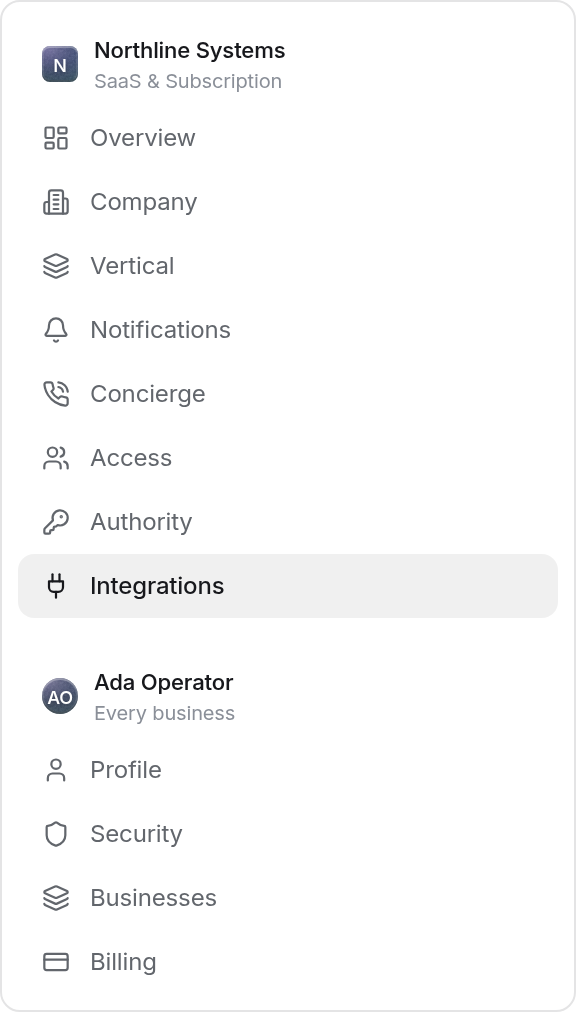
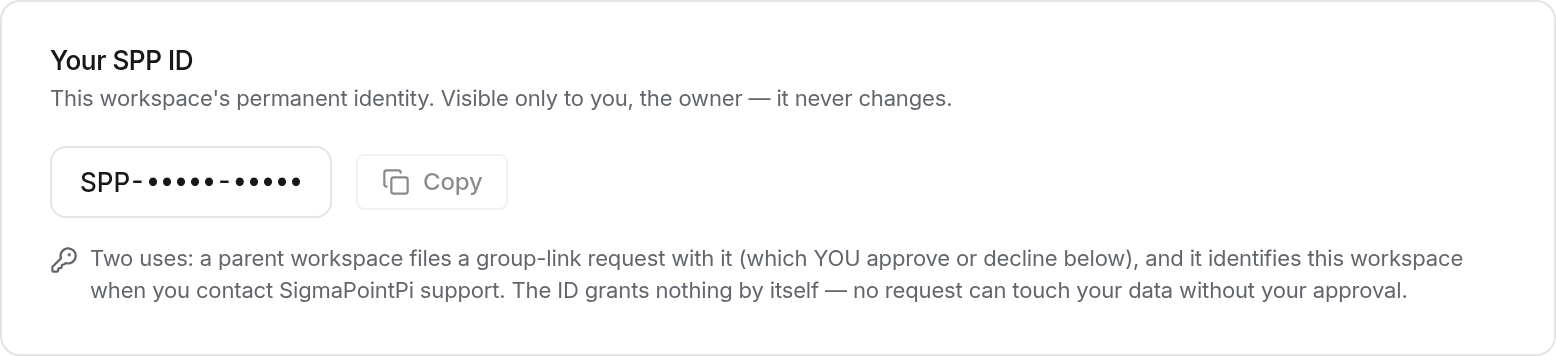

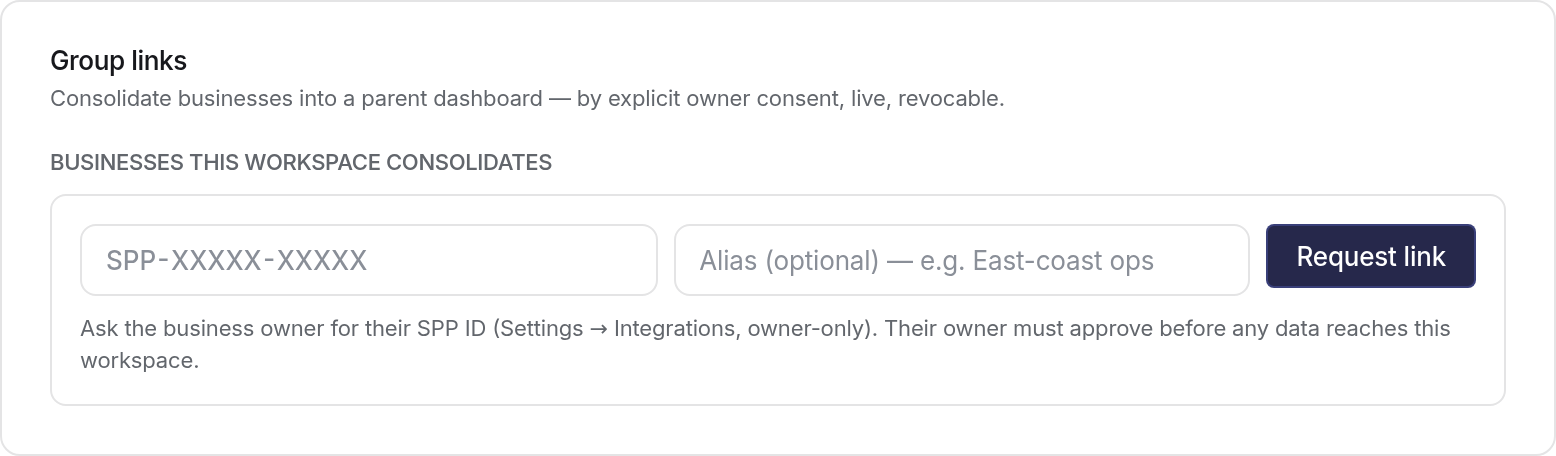


How to work this page
Not last attempt. A connection attempting hourly and failing hourly looks busy and is dead.
Institutions rotate credentials on a schedule. A lapsed connection stops the data rather than corrupting it, but stale is still wrong.
What each connector can read. Anything broader than you need should be narrowed or removed.
The token is revoked and the history already imported stays.
On a phone
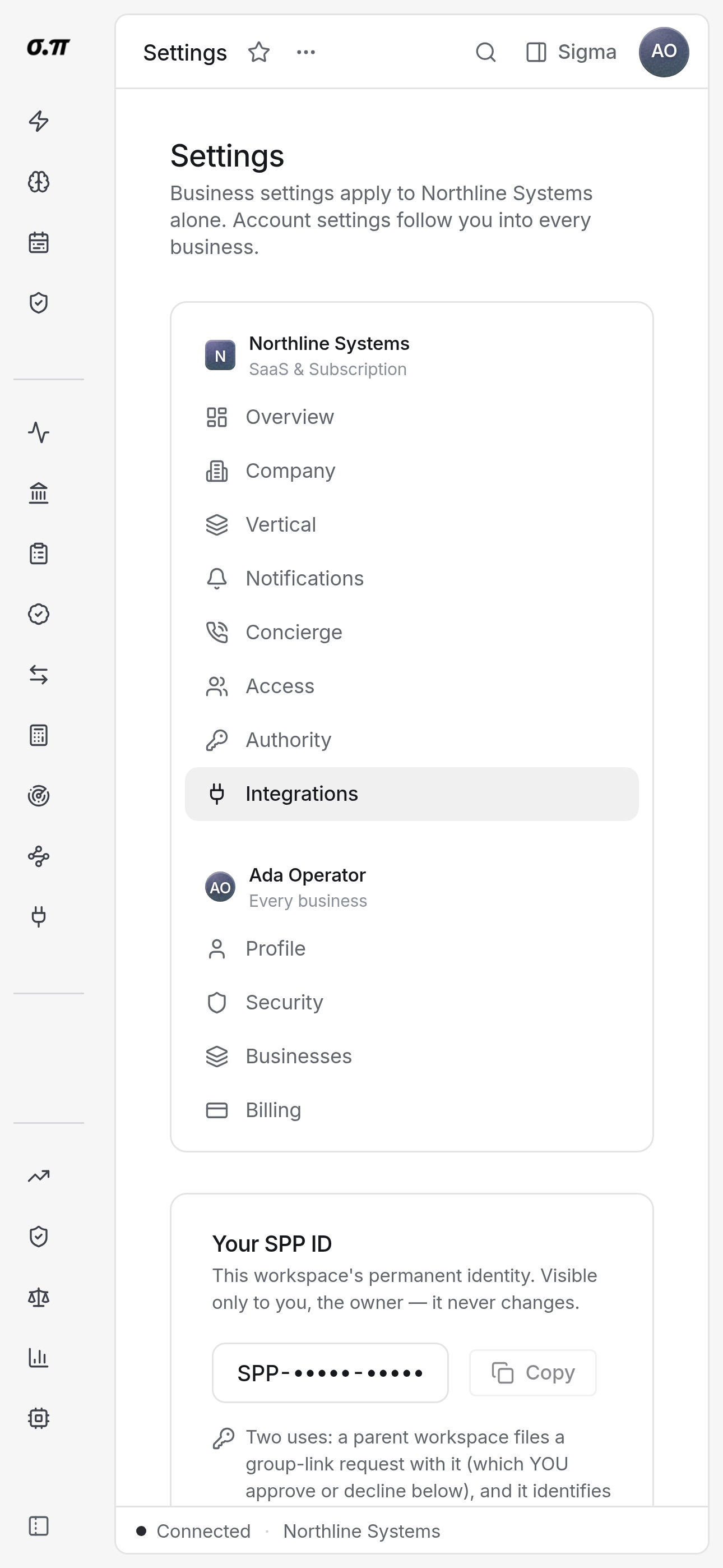
Every figure from the desktop appears here, stacked rather than reduced. Tables scroll inside themselves so the page never moves sideways, and figures keep their separators and their alignment at every width.
Questions people actually ask
Per connector, shown on each. Banking is typically several times a day, accounting less often, and both can be refreshed on demand.
The failure reason from the provider is shown. Most are re-authorisation, and the rest are usually an account permission at the institution.