Company settings
The business identity that appears on everything leaving the company.
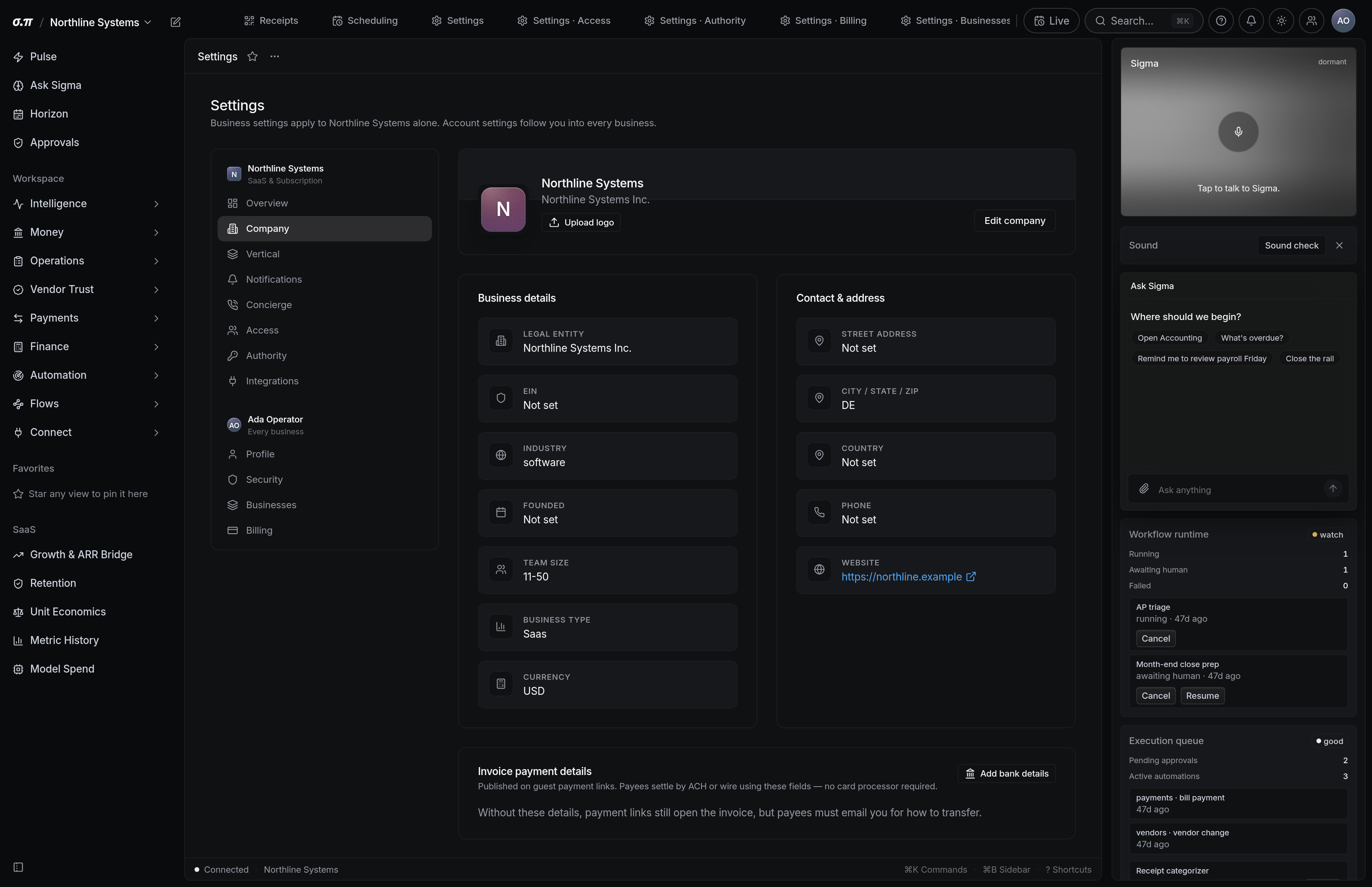
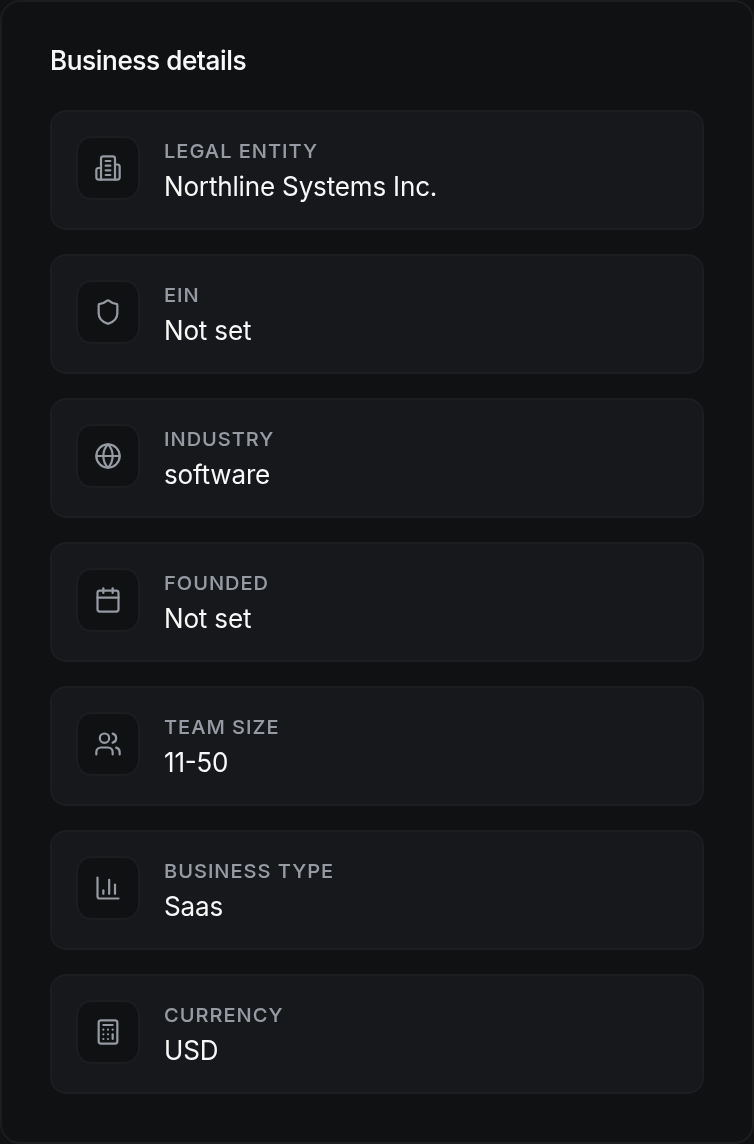
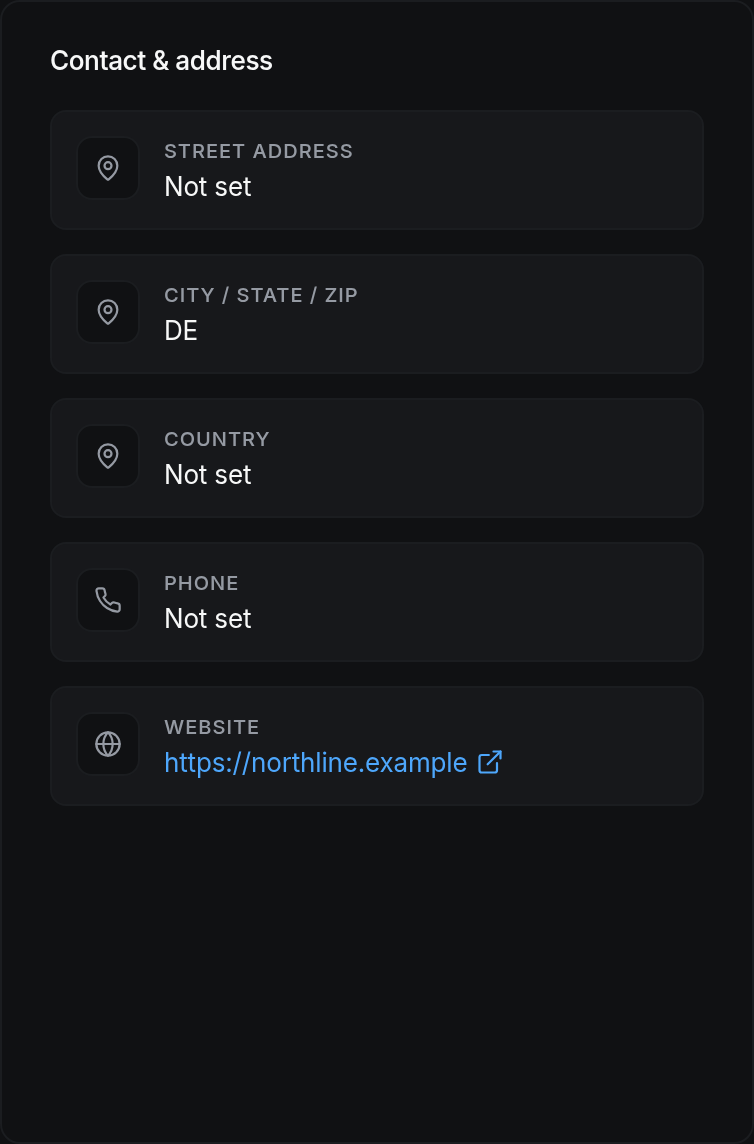
Legal name, trading name, address, tax identifier and registration numbers. These appear on invoices, filings and anything a customer or an agency sees.
The legal name and the trading name are often different, and using the wrong one on an invoice is a real problem when the customer tries to pay it.
Where everything sits
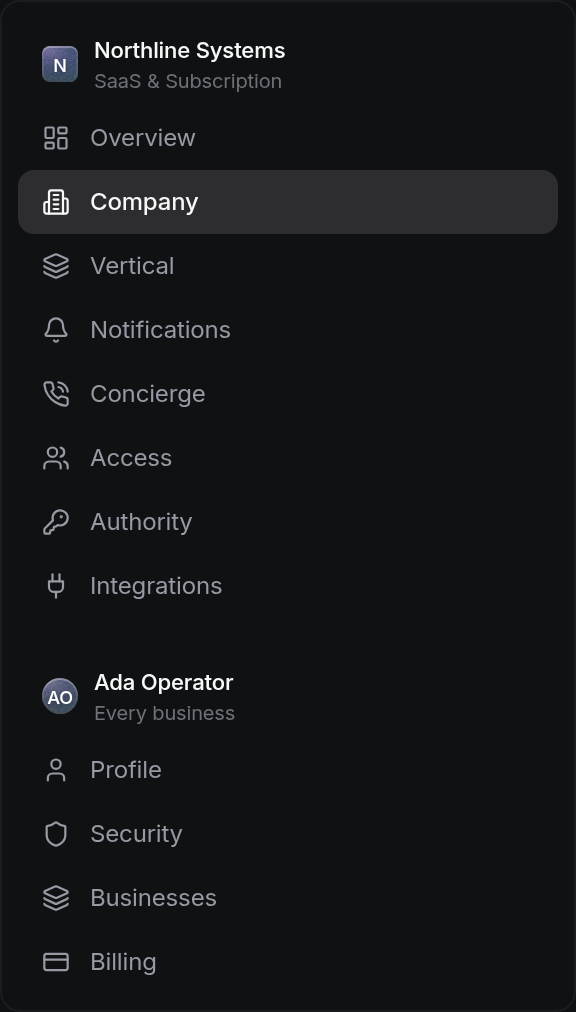



How to work this page
It has to match what is registered. Anything else creates matching problems with agencies.
It is what customers recognise and what belongs on an invoice alongside the legal name.
It drives state obligations and it is what appears on formal correspondence.
It appears on invoices and anything shared outside the business.
On a phone
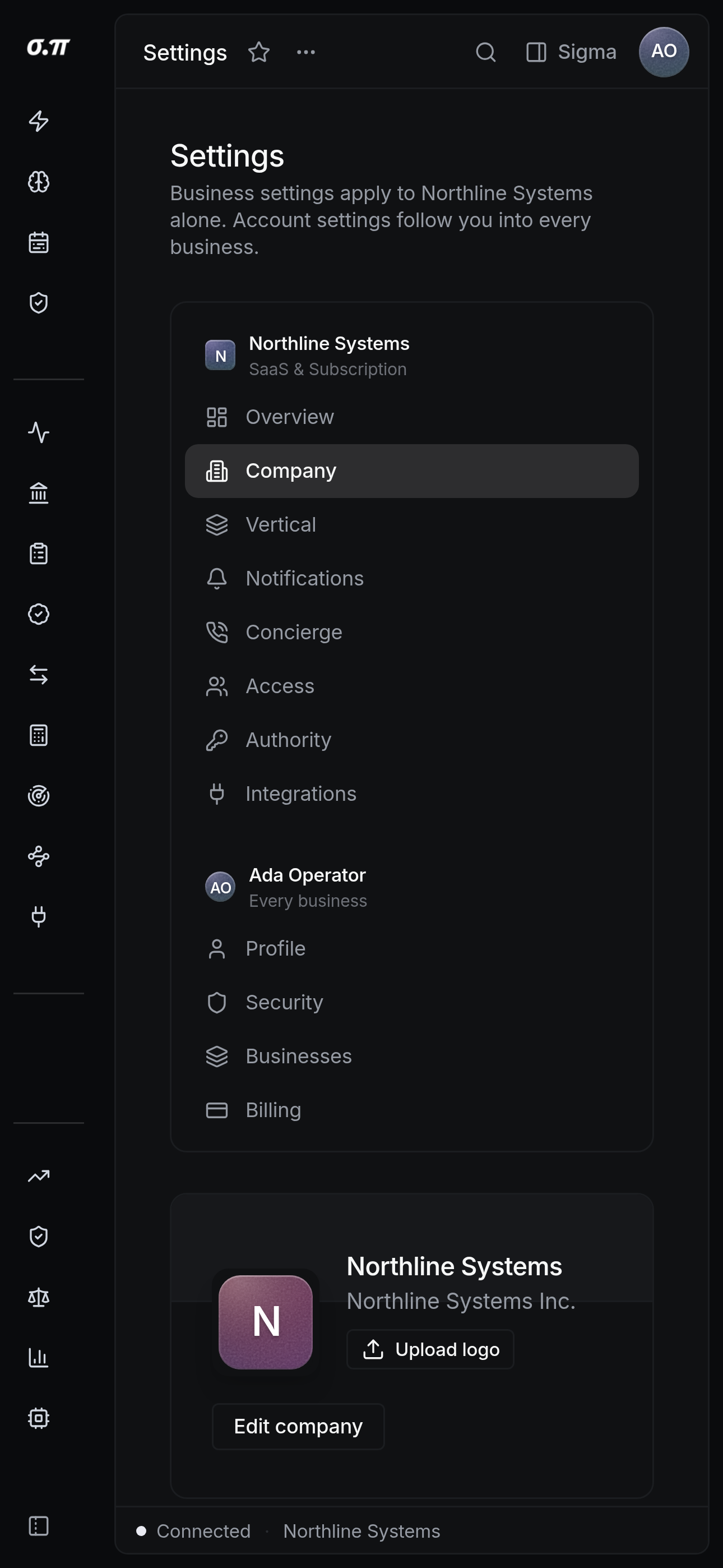
Every figure from the desktop appears here, stacked rather than reduced. Tables scroll inside themselves so the page never moves sideways, and figures keep their separators and their alignment at every width.
Questions people actually ask
Yes, and it should follow an actual legal change. The history keeps the prior name, because documents issued under it stay valid.
Each registration is recorded separately with its own number, and the filing calendar follows them.