Scheduling
Who works when, against demand, with the cost of the schedule visible before you publish it.
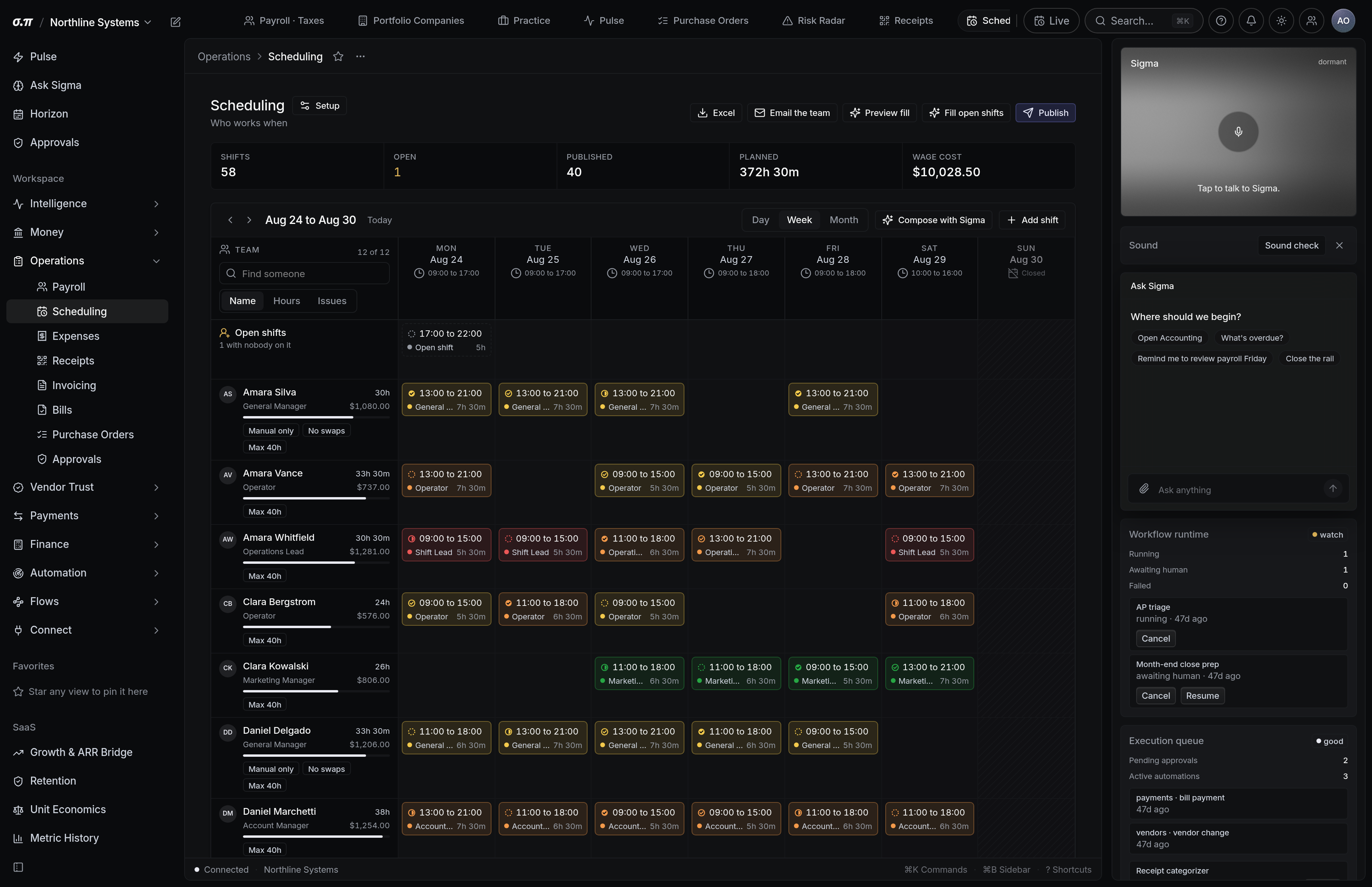
A schedule is a spending decision. This one shows its cost as you build it, including projected overtime, so the number arrives before the week rather than after it.
Published shifts reach people on their phones. Clock in and out records where the punch happened, so a shift logged at the wrong site raises its hand.
Where everything sits

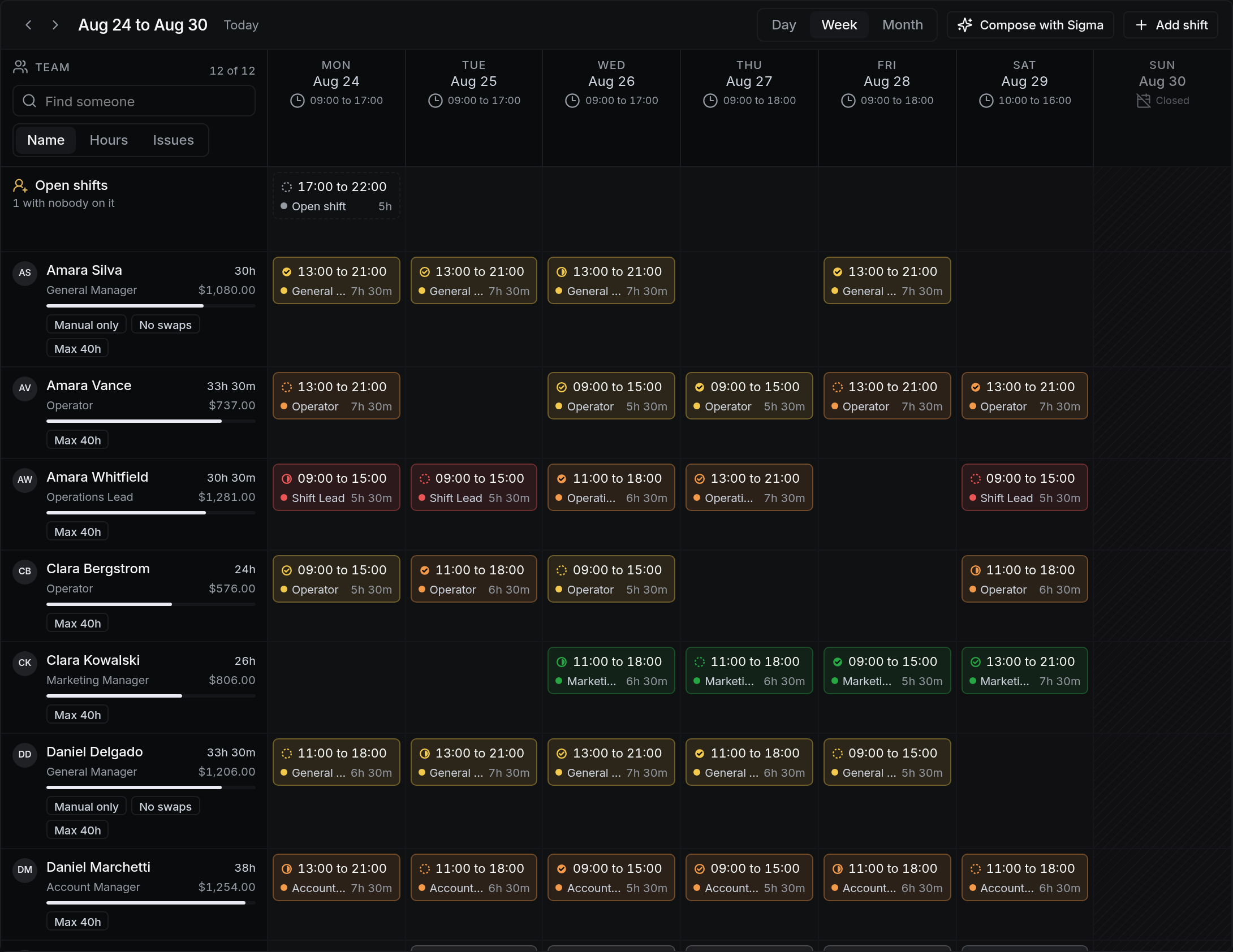




How to work this page
Demand is projected from your own history by day and time. Scheduling against it rather than against last week is what removes the chronic over and under staffing.
The running cost updates per shift, including anyone crossing an overtime threshold.
Publishing notifies everyone scheduled. Changes after publication notify only the people affected.
A punch outside the window or away from the location is held for review before it can reach payroll.
On a phone
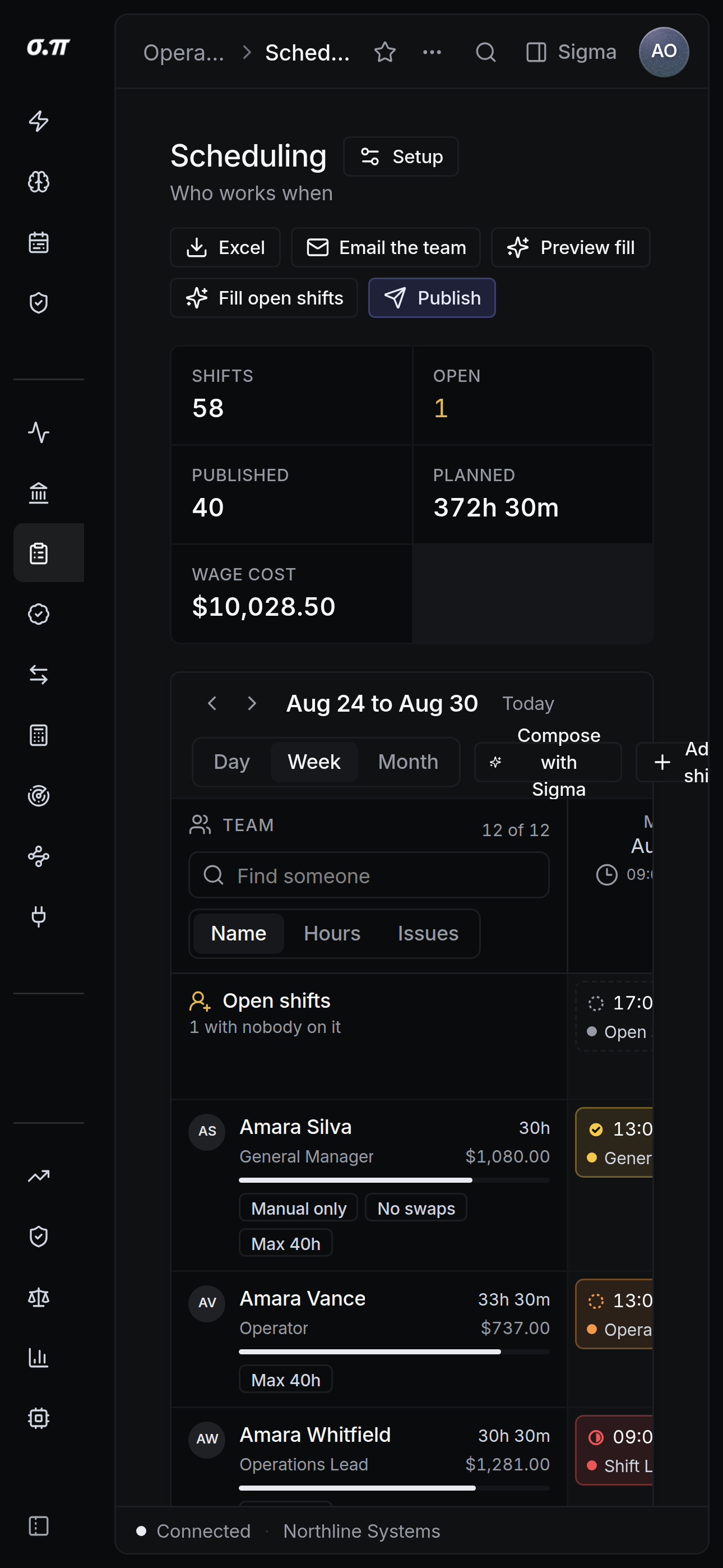
Every figure from the desktop appears here, stacked rather than reduced. Tables scroll inside themselves so the page never moves sideways, and figures keep their separators and their alignment at every width.
Questions people actually ask
Yes, with approval. Both sides and the approver are recorded, and the cost implication of the swap is shown before it is approved.
Device location at the moment of the punch, with accuracy recorded. It is evidence rather than proof, and a punch outside the expected radius is flagged for a human rather than rejected automatically.