Run payroll
The run itself, from hours to net to the money leaving.
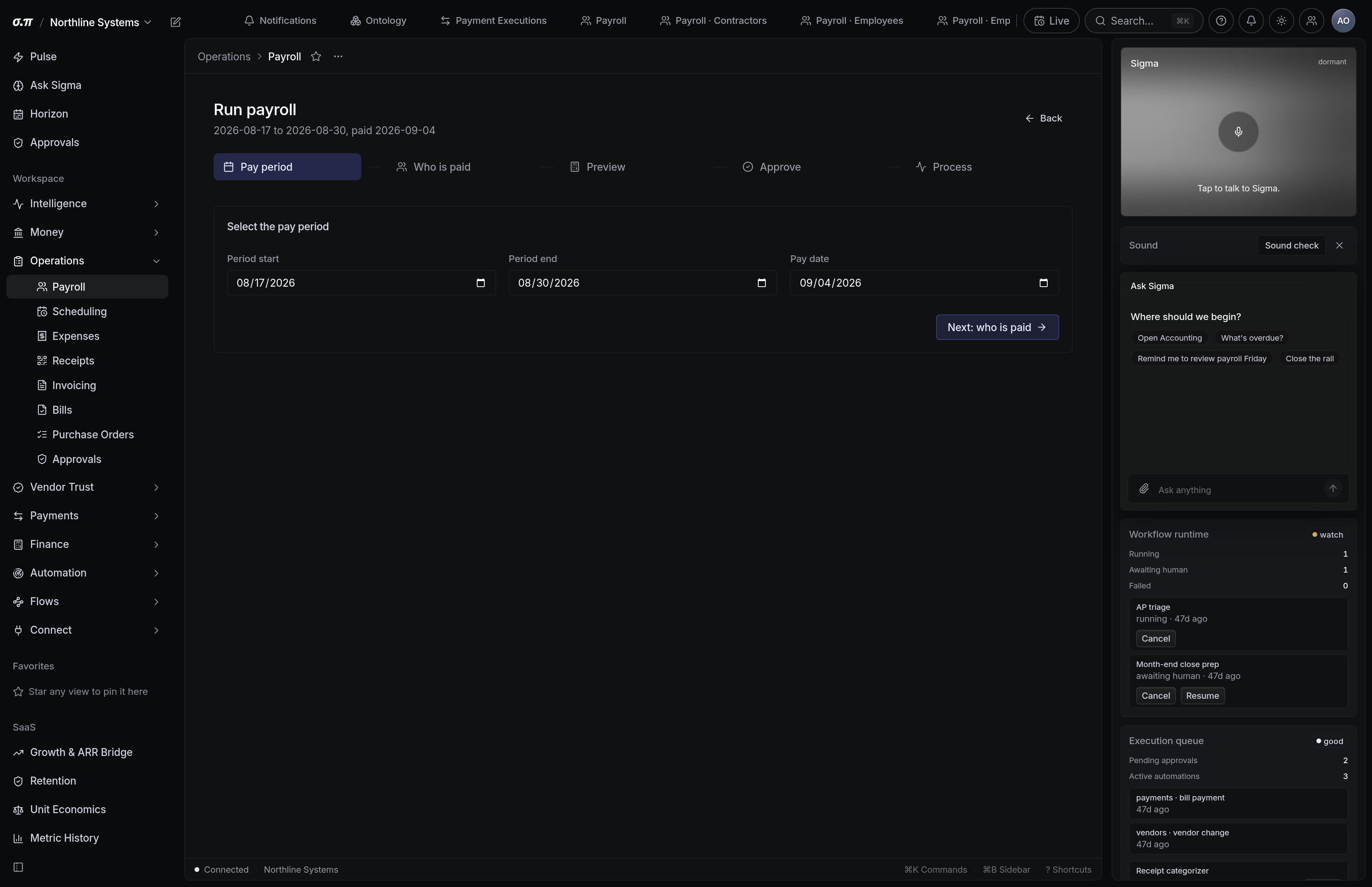
A run collects hours, computes gross to net per person, calculates employer taxes, and produces the payment and the filings.
Everything is shown before approval, including the employer cost that never appears on anybody's payslip and is the number people forget.
Where everything sits






How to work this page
Anything held for review blocks the run. A wrong punch becomes a wrong payment and then a correction, which costs more than the two minutes.
Anyone whose net moved materially against last period is surfaced. It is usually a tax election change and occasionally an error.
Gross plus employer taxes. That is the cash leaving, and it is meaningfully more than the sum of the payslips.
Approval locks the run. Funding needs to clear before the pay date, so an ACH transfer has to start days ahead.
On a phone
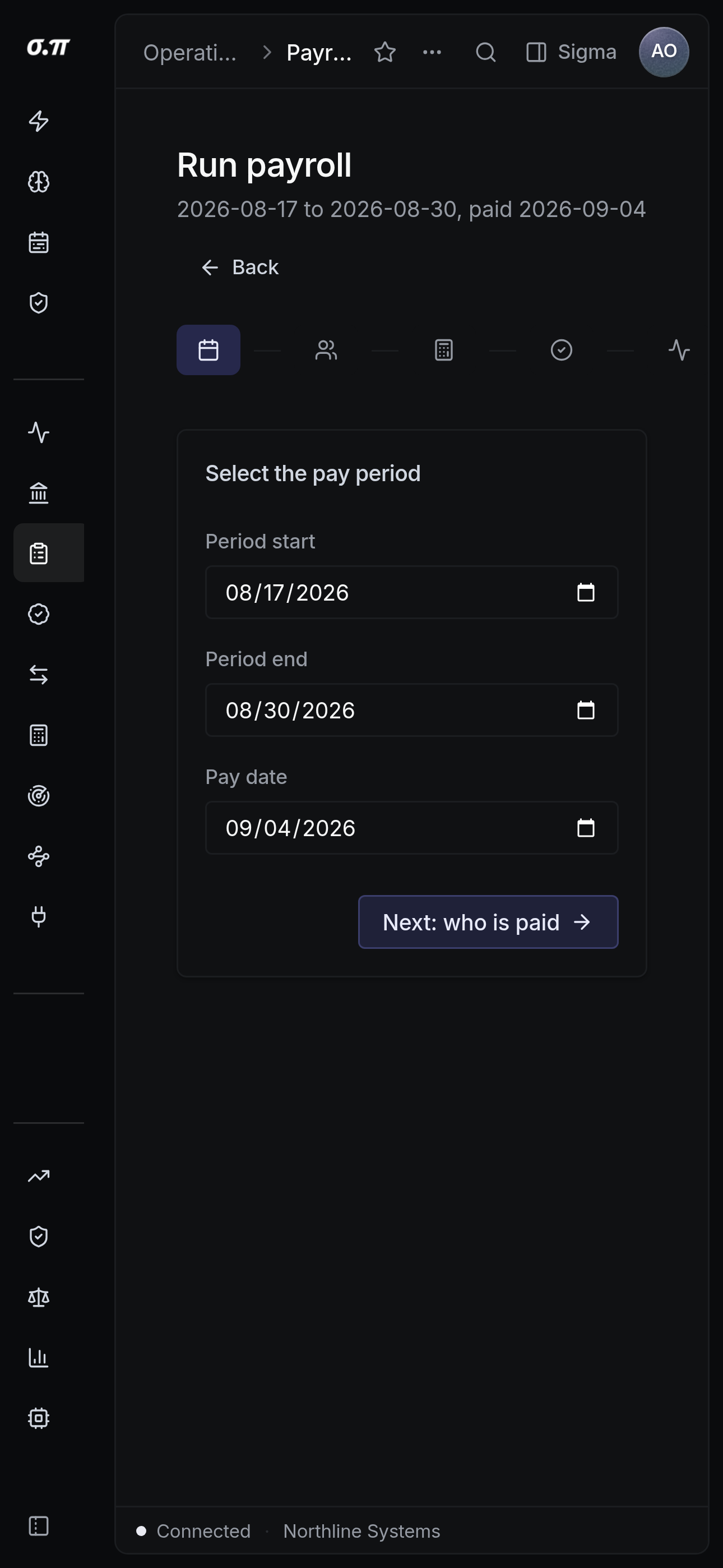
Every figure from the desktop appears here, stacked rather than reduced. Tables scroll inside themselves so the page never moves sideways, and figures keep their separators and their alignment at every width.
Questions people actually ask
Correct it with an off-cycle run. The original stays and the correction sits beside it, which is what keeps the filings right.
Before the pay date, and the funding rail decides how far before. The run states the deadline rather than leaving you to work it out.