New bill
Recording a payable so it is approved, scheduled and paid on purpose rather than on memory.
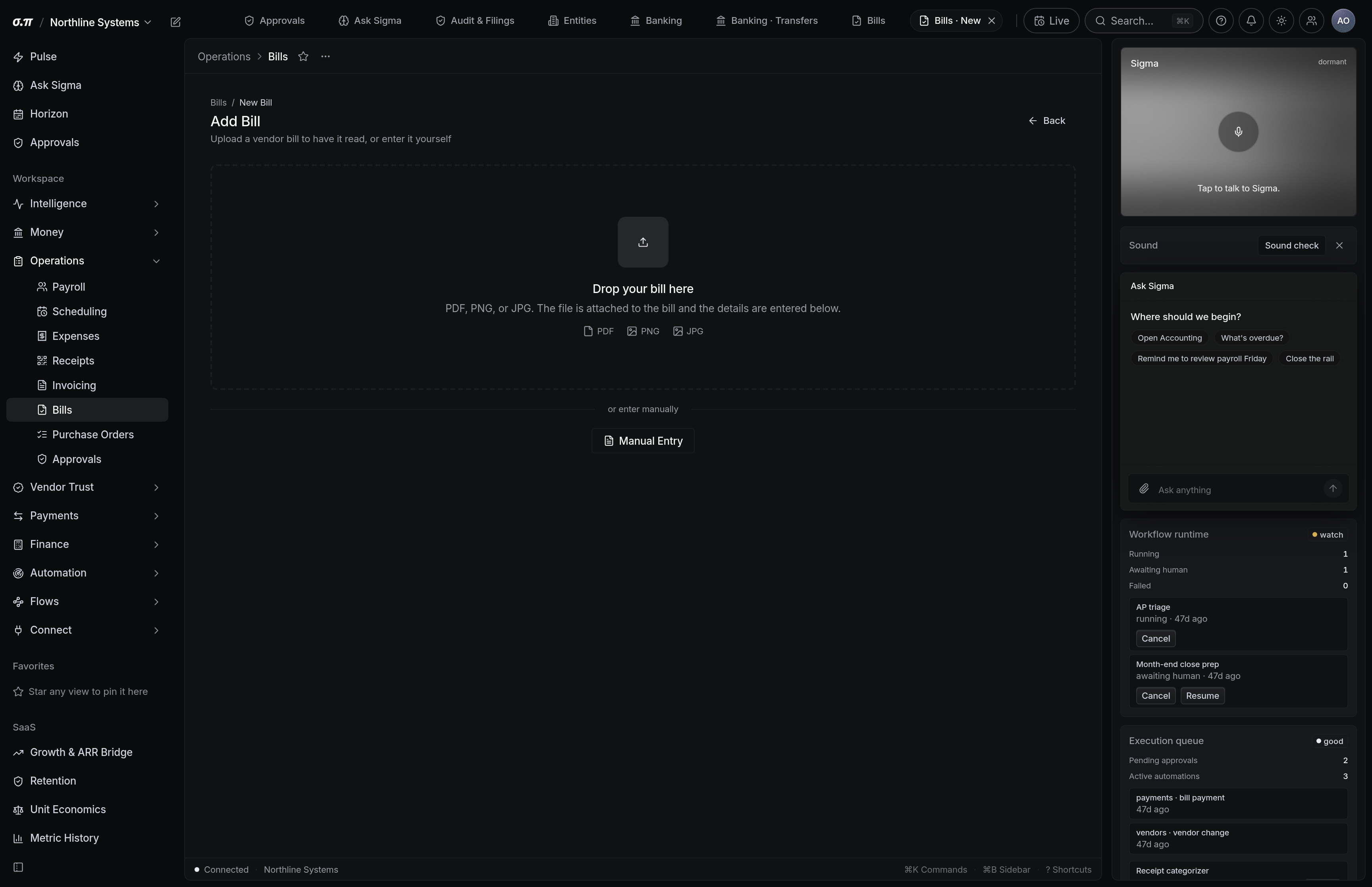
A bill needs a vendor, an amount, a due date and a category. Everything else on this form exists to make the payment safe: the reference that stops a duplicate, the approval route, and the account it posts to.
Uploading the document reads the fields for you. What was read is shown for confirmation rather than accepted, because a misread amount becomes a wrong payment.
Where everything sits

How to work this page
Upload or forward the invoice. Vendor, amount, date, invoice number and line items are extracted and presented side by side with the original.
A vendor that does not exist yet is created here, which means its payment details are new and unverified. Bank details on a new vendor are the single most common fraud vector in payables.
It is what stops the same bill being entered twice. Duplicate detection uses it alongside vendor, amount and date.
The due date drives scheduling and the overdue flag. Guessing it produces either late payments or cash out earlier than it needed to be.
On a phone
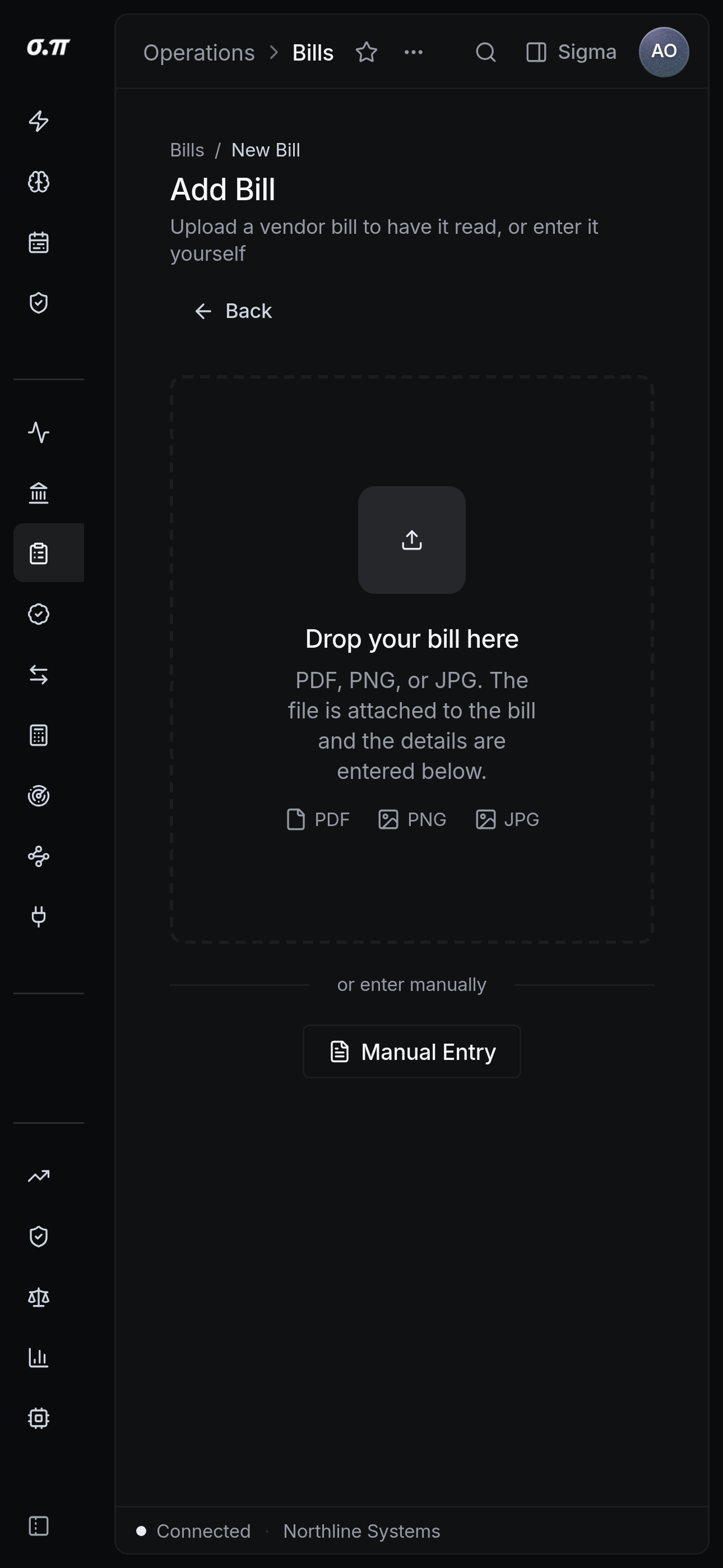
Every figure from the desktop appears here, stacked rather than reduced. Tables scroll inside themselves so the page never moves sideways, and figures keep their separators and their alignment at every width.
Questions people actually ask
Split it by line. Each line carries its own category and account, and the total is preserved.
Yes, mark it paid on entry with the date and method. It still posts to the ledger correctly and keeps the vendor history complete.