Invoicing
Send an invoice, watch it get paid, and know exactly what is outstanding and for how long.
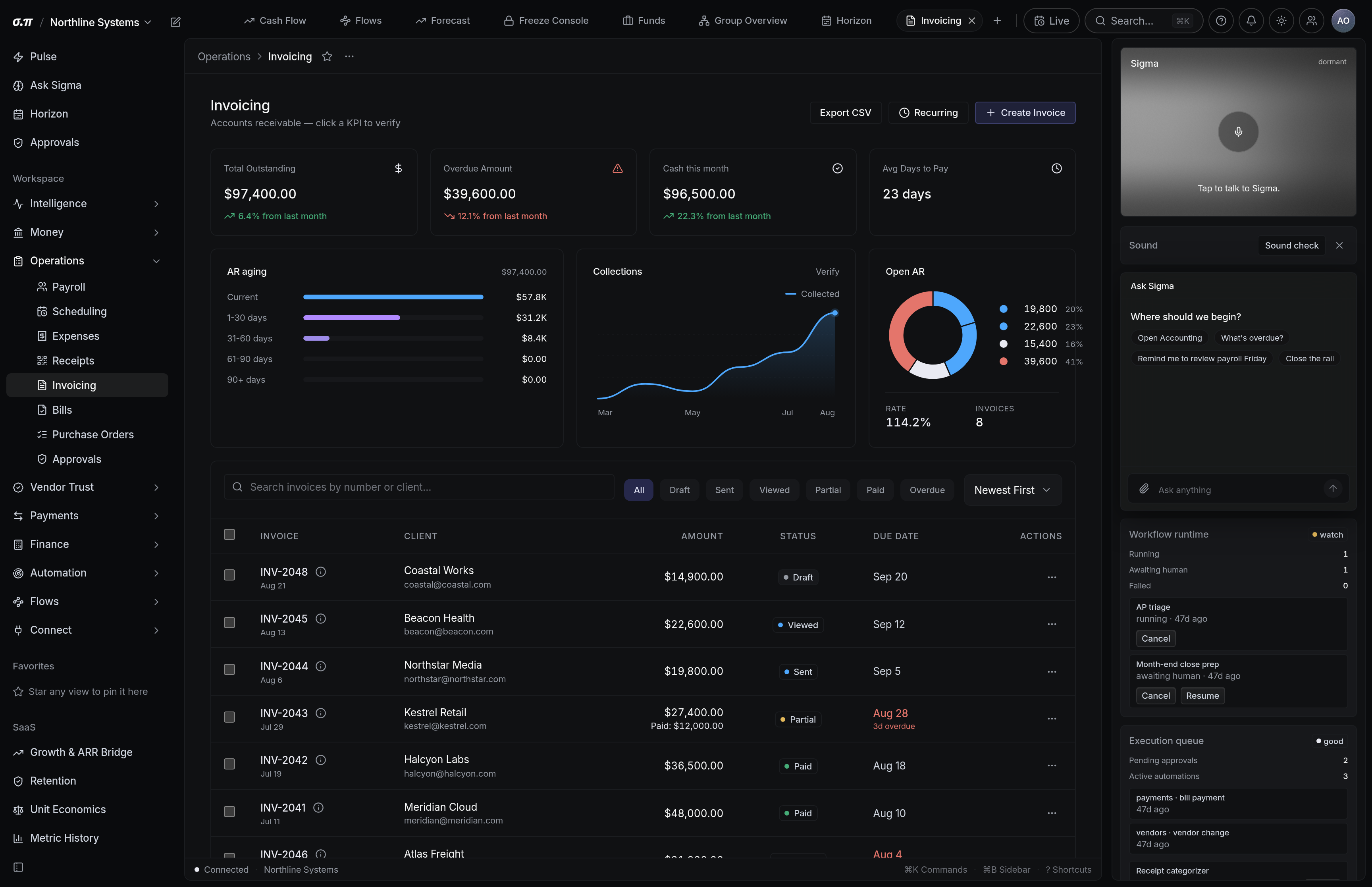
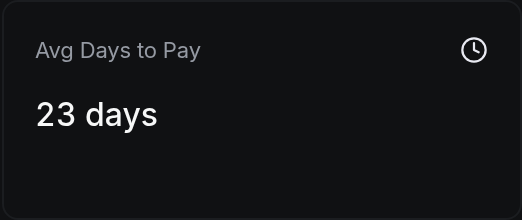
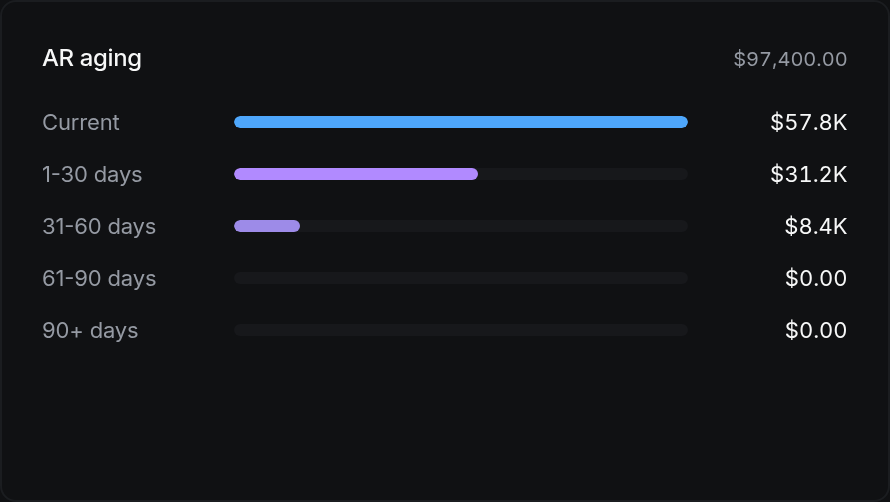
Invoicing holds everything you have billed. The list shows status, amount, and age, and the ageing is the part worth reading first. An invoice at 60 days is a different problem from one at 15, and the list separates them rather than showing a single total.
An invoice moves through draft, sent, viewed, partially paid, paid, and overdue. Viewed is recorded when the recipient opens the hosted link, which is useful evidence when somebody says they never received it.
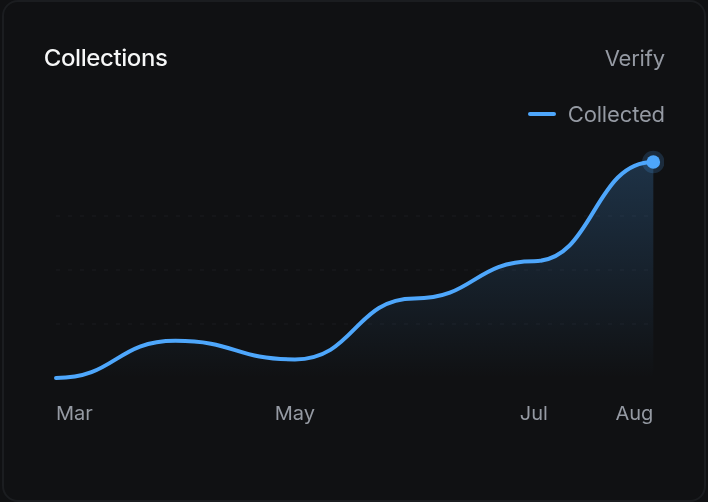
Where everything sits
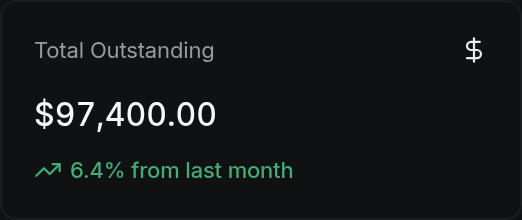
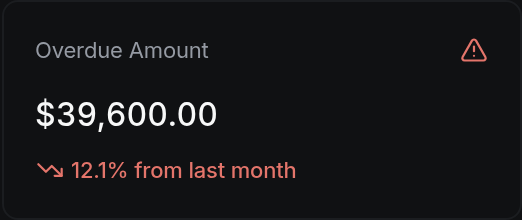
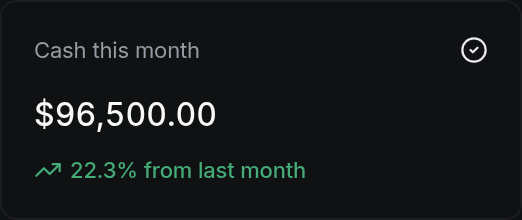
How to work this page
New invoice takes a customer, line items, and terms. Amounts are entered in the currency of the business and stored as whole cents.
Net 30 is a default, not a law. The due date drives the ageing buckets and the overdue flag, so terms that do not match your actual agreement will produce chasing you did not intend.
The invoice goes out with a hosted payment link. The recipient does not need an account to view or pay it.
Current, 1 to 30, 31 to 60, 61 to 90, and over 90. Anything crossing 60 is worth a call rather than another email.
A payment arriving in a connected account is matched against the open invoice by amount and reference. You confirm the match. Nothing marks itself paid without you.
On a phone
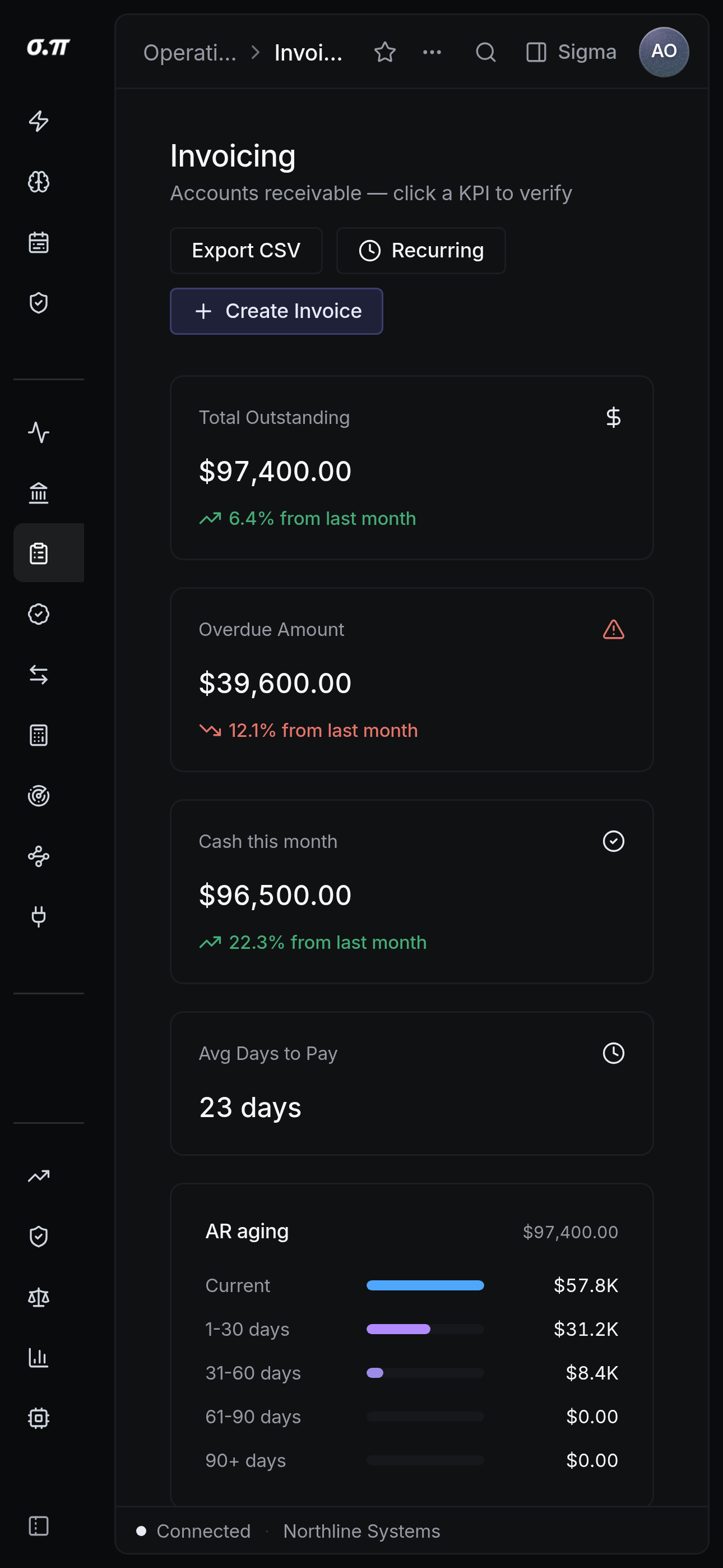
Every figure from the desktop appears here, stacked rather than reduced. Tables scroll inside themselves so the page never moves sideways, and figures keep their separators and their alignment at every width.
Questions people actually ask
The invoice moves to partially paid and the remainder stays outstanding with the original ageing. Overpayment records a credit against the customer rather than closing the invoice for more than it was worth.
On send, if the business is on accrual. On payment, if it is on cash. The basis is set once in Settings and every statement follows it.