Xero
The same two years of history, for the businesses that keep books in Xero.
Invoices, bills, contacts and the chart of accounts, with two years behind them. If you keep more than one organisation in Xero, you choose which one this business is.
Reading only. Your Xero organisation is untouched.
How to connect it
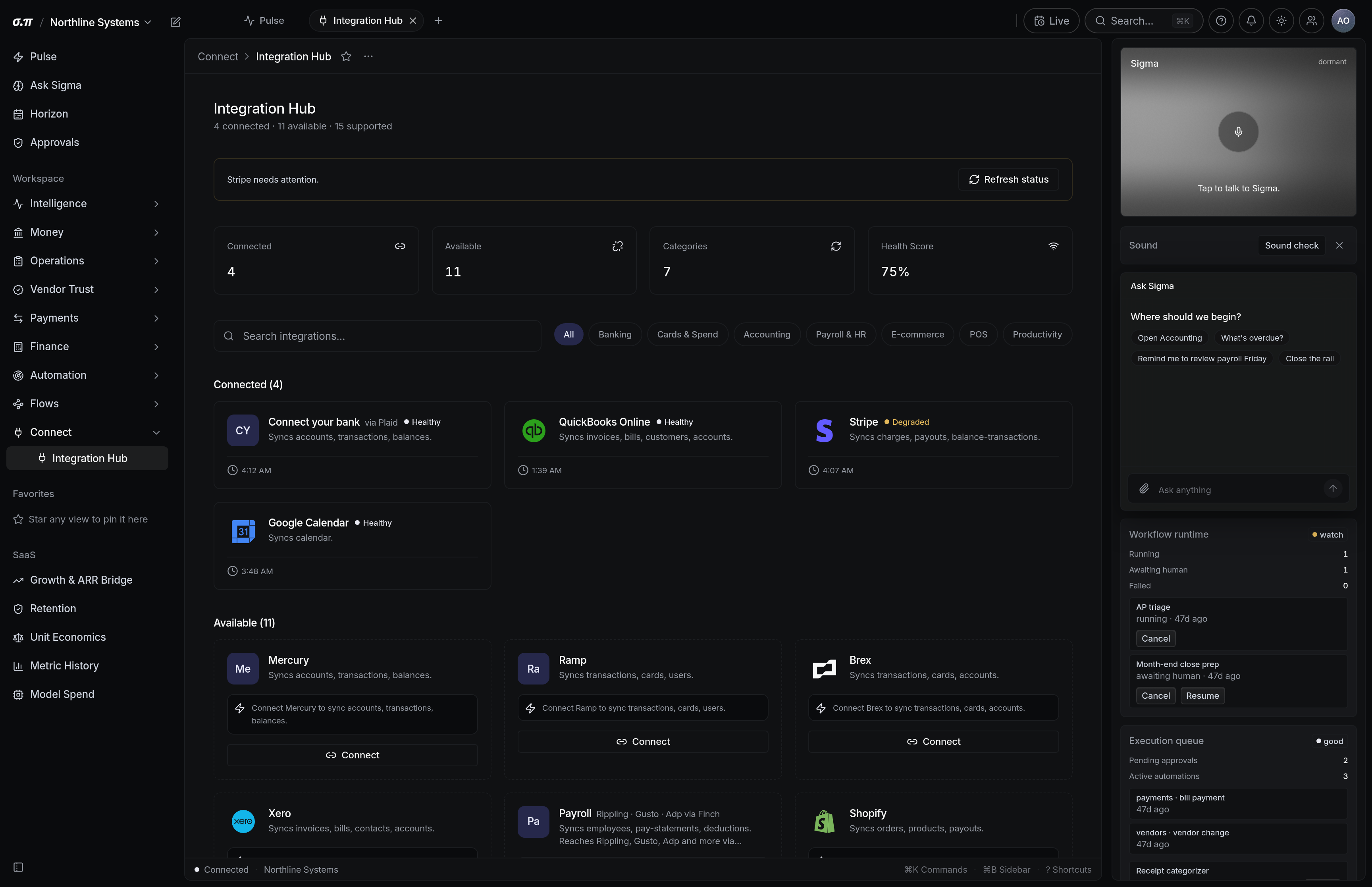
Open Connections and pick Xero
Sign in with your usual Xero account.
Choose the organisation
Xero accounts often hold several. Picking the wrong one produces the wrong books, so this step is explicit rather than assumed.
Let the first import finish
It runs in the background and reports when complete.
What arrives, and when
Invoices, bills, contacts, and the full chart of accounts.
Two years
reaches back on the first import
Once a day
it refreshes on its own, with no prompting
What it looks like
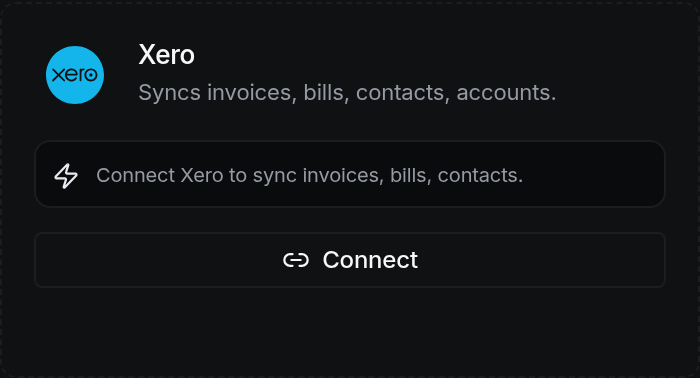
Xero in Connections
Questions people actually ask
What if I have several organisations?
Each business in SigmaPointPi connects to exactly one. Businesses do not share a connection, on purpose.