QuickBooks Online
Two years of your books, so nothing has to be rebuilt from scratch.
The single most common reason a business will not switch systems is that its history lives somewhere else. This connection removes that reason. Invoices, bills, customers and the chart of accounts come across as they are, with two years behind them.
Your bookkeeper can keep working in QuickBooks. Nothing here demands that they stop.
How to connect it
You sign in with the same account you use for QuickBooks itself.
If you keep several companies in QuickBooks, you pick which one belongs to this business.
Two years is a large read. It runs in the background and tells you when it is done.
Accounts, customers and open items are shown for confirmation before anything is treated as settled.
What arrives, and when
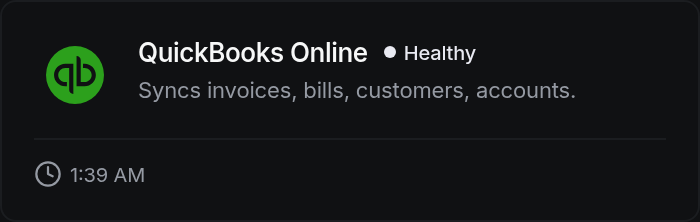
Invoices, bills, customers, and the full chart of accounts.
What it looks like
Questions people actually ask
No. This reads. Your QuickBooks file is exactly as you left it.
Yes, and most businesses do. The daily refresh keeps them level while you decide.