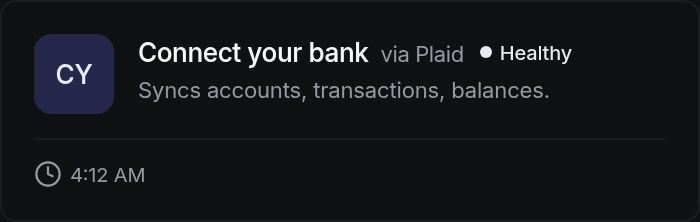
Connect your bank
Your bank accounts, read directly, so cash on the screen is cash in the bank.
Nearly every bank and credit union in the United States and Canada can be connected this way, from the largest national banks to a single-branch community bank. You pick your bank from a list, sign in on your bank's own screen, and choose which accounts to share.
Your banking password is never typed into SigmaPointPi and is never stored by it. The sign-in happens on a screen your bank controls, and what comes back is permission to read the accounts you picked. Read is all it is. Money cannot move out of an account through this connection.
How to connect it
Search by name. If your bank shows more than one entry, pick the one matching the site you normally sign in to.
The window belongs to your bank. Nobody at SigmaPointPi sees what you type, and there is nothing to store afterwards.
Operating, savings, payroll, whichever you want visible. Accounts you leave out stay invisible.
Balances appear immediately. A year of history follows behind them.
What arrives, and when
Account list, running balances, and every transaction with its date, amount and description.
What it looks like
Questions people actually ask
No. The permission granted is to read, and there is no path from it to a payment. Moving money is a separate, deliberately separate, arrangement.
Banks re-ask periodically. The connection shows as needing attention, nothing is lost, and reconnecting takes about a minute.
At any time, from the same screen. Reading stops immediately. What was already imported stays in your books, because your history is yours.