Payroll
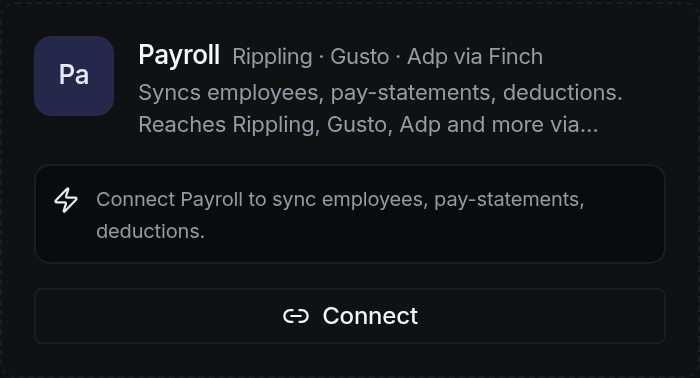
Your payroll system, whichever one it is, without changing it.
Rippling, Gusto, ADP, Paychex, Justworks, BambooHR, Workday and TriNet all connect through the same door. You keep running payroll exactly where you run it now.
What comes across is the payroll cost as it actually happened: who was paid, when, how much, and what was withheld. Payroll is usually the largest line a business has, and a forecast built without it is a guess.
How to connect it
You choose your provider from the list on the next screen.
On their screen, with your usual credentials. Nothing is typed into SigmaPointPi.
Employees, pay history and withholdings. You see the list before agreeing to it.
A year of pay history lands, then it stays current on its own.
What arrives, and when
Employees, pay statements, deductions and contributions.
Systems this reaches
Rippling, Gusto, ADP, Paychex, Justworks, BambooHR, Workday, TriNet. You keep running payroll where you run it now.
What it looks like
Questions people actually ask
No. Payroll keeps running where it runs today. This reads the result so the cost is in your numbers.
Then it does not connect yet, and it would be wrong to pretend otherwise. Payroll can be entered directly in the meantime.
Only people you have given payroll access to. It is a separate permission from general access, because it should be.